Introduction
You’re not the only one who’s fed up with paying for Notion or fretting about where your data is going. Now, thousands of people are looking for Notion alternative open source to enable them to have complete control without any cost. The open source tools enable you to host your workspace, tailor features and maintain privacy around your data. Fortunately, there are some fantastic free tools that are available. This article will explore 10 of the best options, discuss their features and help you pick the right one to suit your needs.
Table of Contents
Why Look for an Open Source Notion Alternative?
Privacy and Data Ownership Concerns
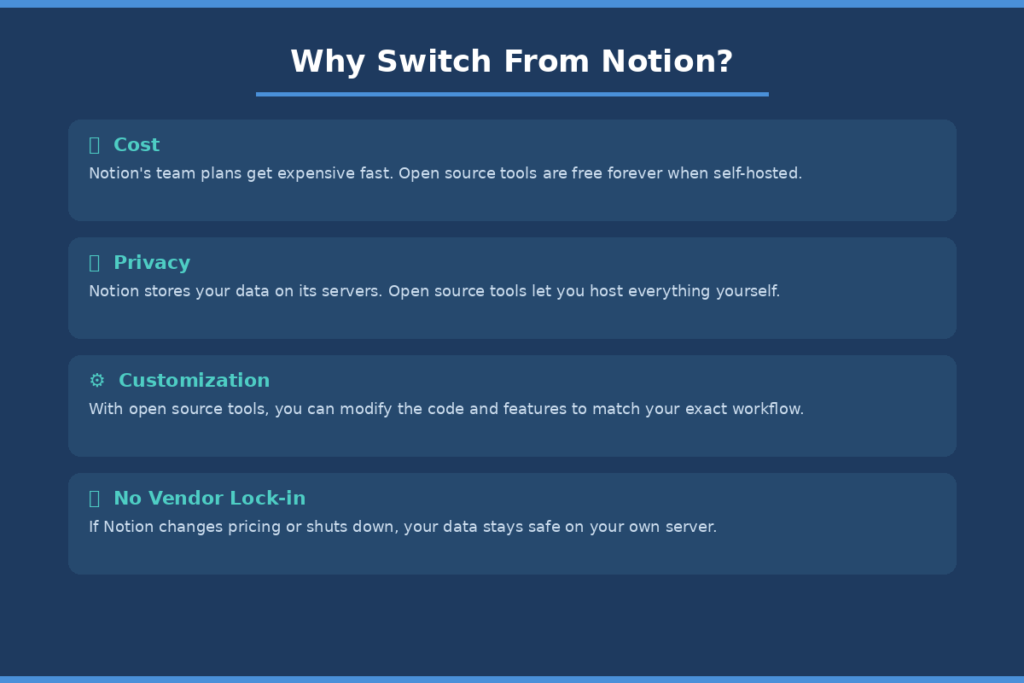
All of your data is stored on Notion’s servers. This is a big turnoff for many players. When you’re working with your business documents, notes, or clients’ data, you need complete control over where it resides. Open source tools allow you to have it hosted on your own server, meaning that no one else can see your data.
This is particularly critical for organizations in industries such as health care, financial services, or education, which are subject to strict regulations. Data residency is an important concern, when privacy laws such as GDPR become the focus. Self-hosted open source tools give you control over where your data is hosted.
Cost and Subscription Limitations
Notion’s free plan is sufficient for individuals, but falls short for teams quickly. As your team increases in size, the paid plans can become costly. With the majority of the open source options, especially if you host it yourself, you can use it for free, even if you’re a large team.
You only have to pay your own server costs which are typically a lot less expensive than the cost of a Saas subscription. This can be a huge cumulative savings for startups and small businesses.
Customization and Self-Hosting Freedom
Open source software allows you to customize the software to your exact needs. Features can be added, interface can be customized or it can be integrated with other tools. This kind of flexibility is not achievable with Notion.
Self-hosting also removes the risk of relying on third party company going out of business. When the company ceases operation or adjusts the prices, your workspace is still accessible.
What to Look for in an Open Source Notion Alternative
Core Features to Expect
The basic features should include rich text editing, databases/tables, task management, and file organization — all of these should be covered in a good Notion replacement. Some tools also feature features such as kanban boards, calendar views and graph-based knowledge maps. Find a tool that suits one’s work style.
Self-Hosting vs Cloud Options
Some tools are local-first, local data and files will be stored on your device. Others advocate self-hosting of servers for teams. Some also have a cloud version if you are not interested in operating your own server. Choose the level of technical comfort you have for your model.
Community Support and Updates
A good open source project has updates and has a community. Look at the most recent changes, issue updates and user comments. An effective tool is secure and continuously improving over time.
10 Best Notion Alternative Open Source Tools
1. AppFlowy
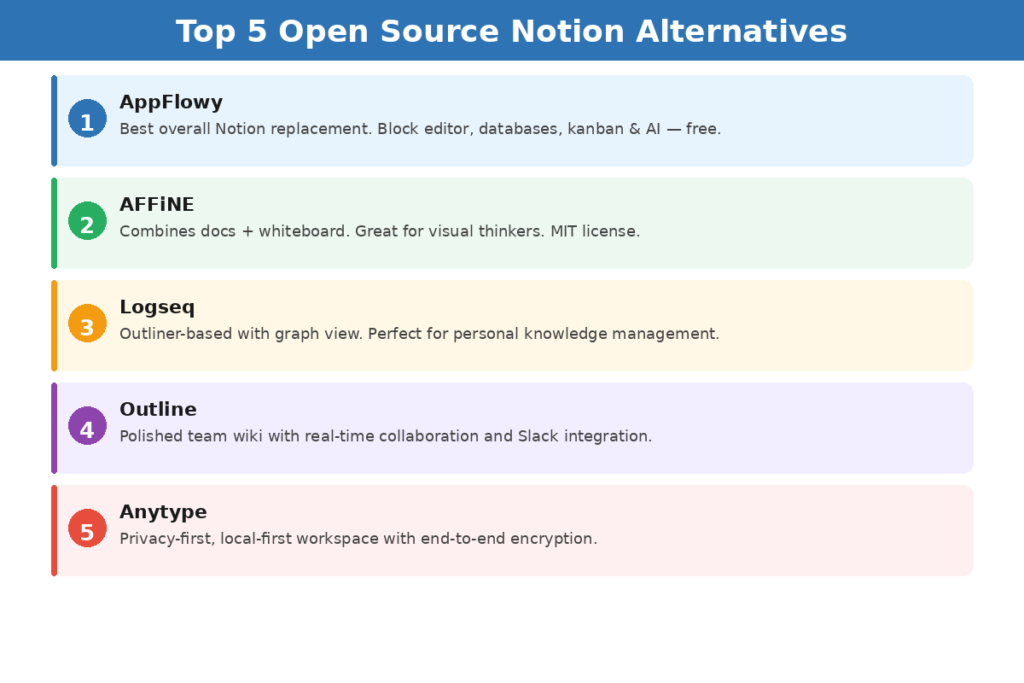
AppFlowy is regarded as the most similar open source to Notion. It provides block-based editor, databases, kanban boards and calendar view. The interface looks like the one of Notion, making it easy to switch.
Designed using Flutter and Rust, it is fast and cross-platform. AppFlowy has full self-hosting capabilities and it’s also usable offline. Even comes with an AI assistant you can integrate with your own API-Key.
Best for: Individuals and teams wanting the closest Notion experience
Self-hosting: Yes
License: AGPL-3.0
2. AFFiNE
Think of AFFiNE as a mix of Notion and Miro.AFFiNE is a document editor with a whiteboard feature. Draw sketches, create databases and make notes on an infinite canvas in one app. Perfect for visual learners and creative groups.
AFFiNE is under MIT license and is 100% free and open source. It takes the support of self-hosting, real-time collaboration and has AI writing assistant built in. It currently has more than 69,000 stars on GitHub, indicating that there is a significant and active developer community. As of mid-2026, it has more than 69,000 stars on GitHub, with a large and active developer community.
Best for: Developers and creative knowledge workers
Self-hosting: Yes
License: MIT
3. Logseq
Logseq does another way: connect ideas in an outliner-based model, and view them in graph view. It’s perfect for those who enjoy linking in both directions and thinking in a network. It is enjoyed by researchers, academics and writers.
Your notes are stored locally, and they’re always plain Markdown. Logseq also has kanban boards, calendar integration, and an AI assistant. It is free as in free software under AGPL-3.0.
Best for: Personal knowledge management and research
Self-hosting: Local-first (no server needed)
License: AGPL-3.0
4. Outline
Outline is a refined and team-oriented wiki and knowledge base application. It offers a simple and fast user interface, as well as great real-time collaboration tools. Outline is a one of the best options if you’re primarily focused on creating a team wiki or internal documentation.
It connects with Slack, Google and a lot of other resources. Outline is licensed under the BSL 1.1 license, which implies that the source code can be obtained but that it is not OSI certified open source. Internal use is totally free and unrestricted.
Best for: Team wikis and documentation
Self-hosting: Yes
License: BSL 1.1
5. Anytype
Anytype’s model is unique: everything is an object, all of the notes are typed objects, all of the tasks are typed objects, all of the contacts are typed objects, which you can link and query. This is very useful in developing large personal knowledge systems. Supports end-to-end encryption and local first storage.
Anytype is under its own ASAL license, which is not OSI certified, but is free for personal use. This is recommended for those who wish to have the most control over their information and a different way of managing data.
Best for: Privacy-focused individuals wanting full data sovereignty
Self-hosting: Local-first with self-sync
License: ASAL (not OSI-certified)
6. Joplin
Joplin is a dependable note-taking tool that is Markdown-focused, has notebooks, tags, and end-to-end encrypted sync. It’s been around a long time and is popular for its simplicity and stability. It is possible to sync notes with Dropbox, OneDrive or your own server (Nextcloud, WebDAV).
Joplin is a wonderful app for Android and iOS now, an area in which many open-source alternatives are lacking. It offers a vast plugin library, and is already integrated with Notion’s direct import feature, which makes migration smooth.
Best for: Cross-device note syncing and privacy
Self-hosting: Yes (via WebDAV/Nextcloud)
License: AGPL-3.0
7. SiYuan
A local-first personal knowledge management tool for storing all data in your local file system is called SiYuan. It includes a bidirectional linking feature and a graph view and, like Notion, has a block-based editor. A good user-friendly mobile app is also available.
SiYuan has a free self-hosted version and an optional paid cloud sync. It’s particularly liked by customers who wish to use a Notion-like block editor without any cloud dependence and with full local storage.
Best for: Block-editor fans who want fully local storage
Self-hosting: Yes
License: AGPL-3.0
8. Docmost
Docmost is a newer, self-hosted collaborative wiki software that is rapidly gaining popularity in 2026. It’s a direct replacement for Notion and Confluence for teams. It supports live collaboration, extensive editing of text and a modern, streamlined look.
Docmost is open source (AGPL-3.0) and is actively developed. It’s a good choice for small teams that look for an easy-to-use, elastic knowledge base, which can be installed on their own server.
Best for: Small teams wanting a self-hosted collaborative wiki
Self-hosting: Yes
License: AGPL-3.0
9. Memos
Memos is a minimalist, self-hosted application for capturing and journaling. Imagine a private Twitter or Microblog for your ideas and thoughts. Easy, quick and very easy to install on your own server.
If you need a quick place to get ideas, short notes or daily log without the overhead of a full workspace, Memos is great. Not a complete Notion replacement, but it does a great job for a niche.
Best for: Quick capture, journaling, and personal microblogging
Self-hosting: Yes
License: MIT
10. Wiki.js
Wiki.js is an extensible, team-based wiki system. Supports dozens of storage backends like Git, local storage, cloud storage providers. It has a clean and modern interface with great support for large team knowledge bases.
Wiki.js features user roles, comments, versioning, and full-text search. It is ideal for teams that are looking for a documentation hub which is structured and scalable, instead of a flexible personal workspace.
Best for: Structured team knowledge bases and documentation
Self-hosting: Yes
License: AGPL-3.0
Quick Comparison Table — Open Source Notion Alternatives
| Tool | Best For | Self-Hosting | Mobile App | License |
| AppFlowy | Individuals & teams | Yes | Yes | AGPL-3.0 |
| AFFiNE | Visual thinkers | Yes | Yes | MIT |
| Logseq | Knowledge management | Local-first | Yes | AGPL-3.0 |
| Outline | Team wikis | Yes | No (web) | BSL 1.1 |
| Anytype | Privacy-focused users | Local-first | Yes | ASAL |
| Joplin | Cross-device sync | Via WebDAV | Yes | AGPL-3.0 |
| SiYuan | Local block editor | Yes | Yes | AGPL-3.0 |
| Docmost | Small teams | Yes | No (web) | AGPL-3.0 |
| Memos | Quick capture | Yes | No | MIT |
| Wiki.js | Large team docs | Yes | No (web) | AGPL-3.0 |
Which Open Source Notion Alternative Is Right for You?
For Individuals and Students
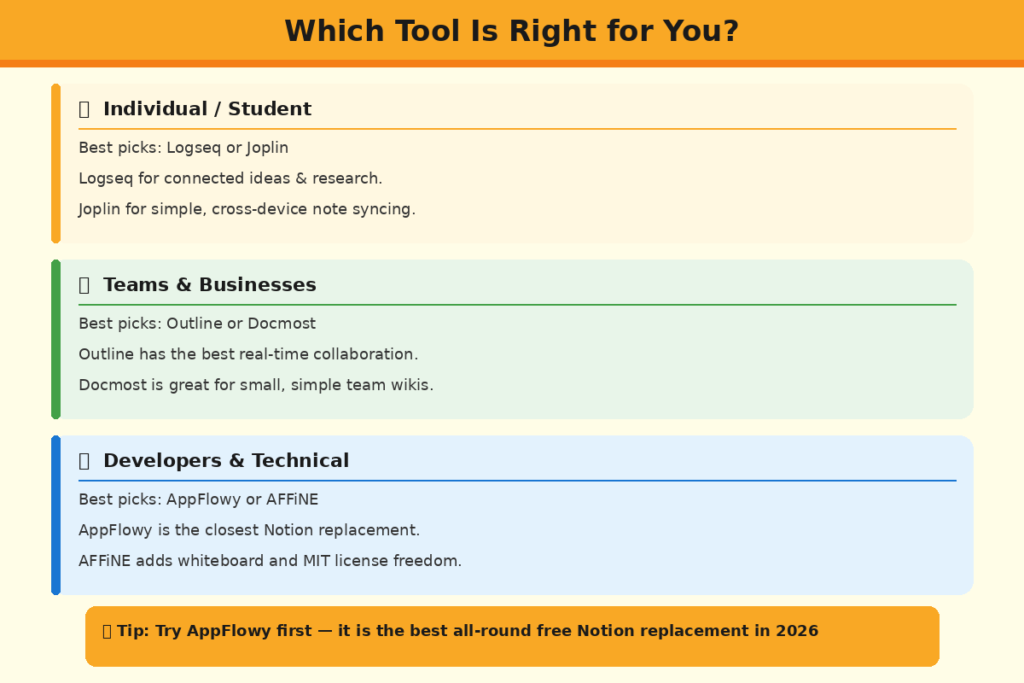
Logseq or Joplin is a good option if you’re using it for personal knowledge management as a solo user. If you like to link ideas in both directions, then Logseq is for you. If you’re looking for an easy-to-use and dependable note-taking app that offers solid mobile capabilities, then Joplin is the better choice.
If you’re looking for something that’s not exactly the same but still offers great local storage along with privacy, Anytype is another worthy mention. AppFlowy is perfect for those who seek the most Notion-feeling experience for their free, self-hosted offering.
For Teams and Businesses
Outline is right now the most refined choice for team collaboration. It offers the most noteworthy real-time collaboration capabilities and integrates with other platforms such as Slack and Google Workspace. For small groups looking for simpler collaborative docs, Docmost is a better new alternative.
AppFlowy is also suitable for small teams and is continually enhancing its collaboration capabilities. If you are a larger team looking for a large, well-organized documentation site, then you will want to use Wiki.js.
For Developers and Technical Users
AFFiNE will be loved by developers because of its MIT license and whiteboard property. For Markdown power users who enjoy residing in plain text, SilverBullet is a realm to be explored. Both AppFlowy and AFFiNE have active and robust GitHub communities and are both being developed and are responsive to bugs and feature requests.
Final Thoughts
The open source workspace ecosystem has grown tremendously in 2026. Notion has plenty of competitors–high quality, free tools that can do the job for most use cases. While AppFlowy is the overall best tool, each of the tools on this list will hit their sweet spot with different audiences.
The important thing to consider is your primary use case first. Will you require co-operation between different teams? Personal knowledge management? Quick notes? Structured documentation? If you know your priority, choosing the right tool will be very easy.
Conclusion
It is not a compromise on quality or features if you use an alternative open source application to Notion. The tools such as AppFlowy, AFFiNE, Logseq, and Outline demonstrate that free and open source software can be as powerful or more powerful than Notion, particularly when privacy and self-hosting come into play, along with customization. If you’re an individual who wants to have their notes, or a team that wants to create a common knowledge base, there is a tool that will fit you on this list. Try it out now and see just what free and open software can do in 2026.
FAQs
1. What is the best Notion alternative open source tool available today?
AppFlowy is the best overall open source Notion alternative in 2026. It features a block-based editor, databases, kanban boards and AI capabilities—all of which are free when self-hosted.
2. Can I self-host a Notion alternative for free?
Yes. AppFlowy, AFFiNE, Outline, Docmost, and Wiki.js are all the tools that can be self-hosted for free. All costs are covered for the individual server you utilize, which are normally very inexpensive.
3. Is AppFlowy a good replacement for Notion?
Yes. AppFlowy is the most feature-wise open source alternative to Notion. It has documents, databases, kanban, and an AI assistant all built in and free when self-hosted on your own server.
4. Which open source Notion alternative works best for teams?
Outline is currently the best option for team collaboration. It has strong real-time collaboration, Slack integration, and a clean interface. Docmost is also a solid newer option for small teams.
5. Are open source Notion alternatives safe for sensitive data?
Yes, when self-hosted. Some of the tools, such as AppFlowy, Joplin, and Logseq store your data on your own server or device. Joplin and Anytype also have end-to-end encryption for extra security.