Introduction
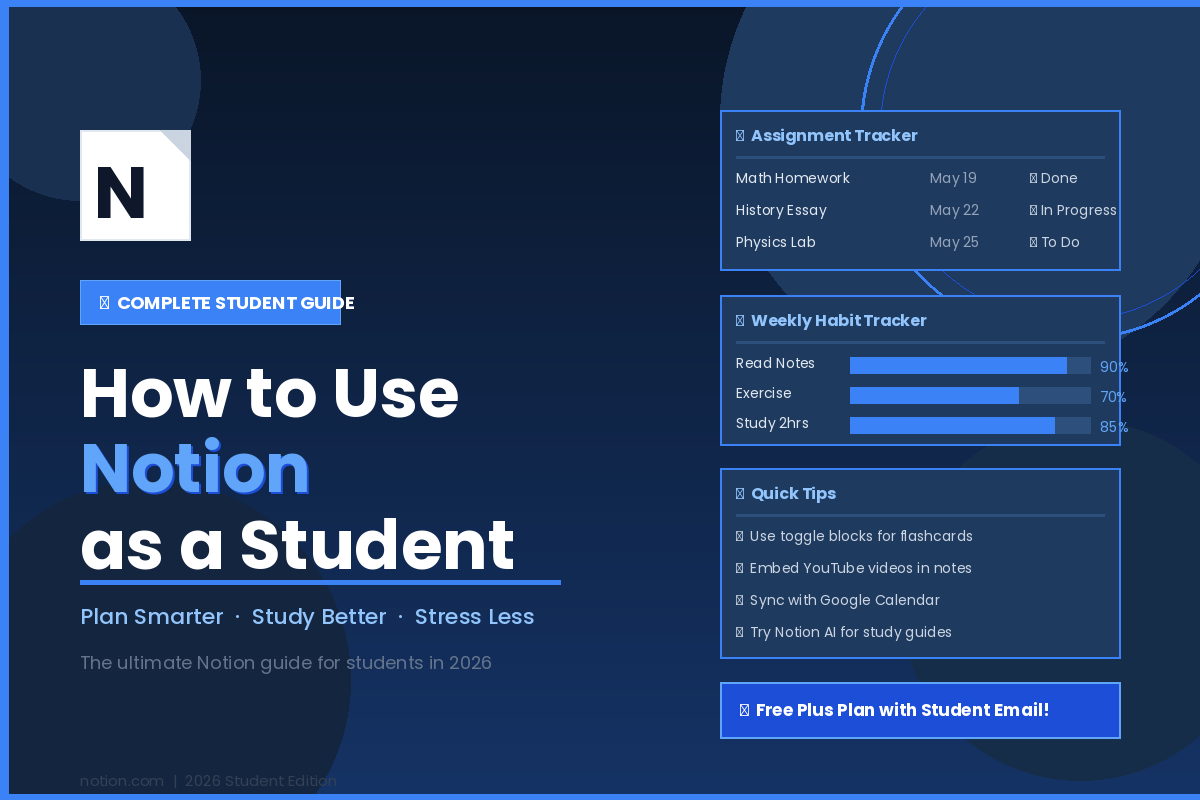
As a student, it’s an exciting time — but let’s face it, sometimes it can be overwhelming. In between assignments, exams, group projects and a social life, it’s happening pretty quickly. That is where knowing how to use Notion as a student can completely change the game. No more switching between 5 different apps for notes, tasks, deadlines, and goals. Save your notes, tasks, deadlines, and goals to a clean workspace with Notion. From beginning the first semester to being in the middle of the classwork, this article will help you plan smarter, study better, and lessen your stress.
Table of Contents
Getting Started with Notion
If you want to build anything, you have to know what Notion is. Notion is an app that merges the capabilities of a to-do list app, project management app and note taking app in one flexible workspace. It’s like an electronic notebook that can do nearly anything.
Create Your Free Account
Go here and register for free at notion.com. If you have a student or educator email address, you can upgrade to the Plus Plan for free. This means no cost for bigger file uploads, unlimited storage, sharing with up to 100 guests.
Understand the Basics
Notion’s fundamental features are Pages, Blocks, and Databases. A Page is similar to a document. The text, images, checklists or tables within that page are part of a Block. A Database is a very effective table that enables you to filter and sort your content. If you can understand and master these three, the rest will follow.
Set Up Your Student Dashboard
Your dashboard serves as your base, the first page you’ll see when you log into Notion. Simplify the beginning. Include a section for your classes, quick To-Do List and links to your most-used pages. The fewer the things, the easier it is to control. As your workflow expands you can always add more.
Plan Smarter — Build Your Academic Planner
Poor planning is one of the largest causes of falling behind by a student. Notion’s solution is to provide a single hub for managing all things academic.
Create a Semester Overview
First, create a Semester Overview page. Keep a list of all your subjects, exam dates, project deadlines and holidays together. This will give you some idea of what’s ahead before you so that you don’t get any surprises.
Create an Assignment Tracker Database
It’s here where Notion truly excels. Design a database for all the assignments, and include the following properties: Subject, Due Date, Priority, and Status. You can add subjects to your database, date, teachers and so on – and then filter your database to discover notes taken by any teacher at any time for any subject.
Click on Calendar View to view all of your deadlines in chronological order. This can be extremely convenient to recognize a hectic week in advance.
Set Up a Goal Tracker
Include a basic goal tracker on your dashboard. Take notes on your goals for the semester; what your grade point average should be, what habits should be formed, what skills should be developed. The ability to view your goals daily helps you stay motivated and on track with your overall goals.
Study Better — Organize Your Notes and Study Materials
One of the top productivity killers for students is messy notes. With Notion, you can create a clean, structured, real-working note-taking system.
Create Notes by Subject
For each subject, make a folder with subpages of assignments, download and other materials. This will help to maintain the separation and make it easier to locate. No more sifting through a sea of scrambled notes to locate the one lecture from 3 weeks ago.
Leverage Notion’s Advanced Note Taking Capabilities
Notion can utilize math equations and symbols with LaTeX syntax; fractions, differential equations and more. It also facilitates embedding anything and everything. Have a tough concept to explain? Use it in your notes as if it was just part of the fabric! Web pages can also be imported in a flash with the Notion Web Clipper extension for the browser.
How to use Notion as a Student for Smarter revision
Create a Study Review page for each topic. Hide answers with toggle blocks and self-test. Make a basic flashcard style layout; write down a question, hide an answer in a toggle and see how well you can remember it. This is a wonderful tool for students to use when summarizing text, outlining class notes or marking off important points.
Identify important definitions, key dates and concepts that are possible exam questions and put them in callout blocks/color coding.
Stress Less — Manage Your Time and Mental Load
Time management and mental load are the key components of stress-free living. Time management and mental load are two of the most important aspects of living stress-free.
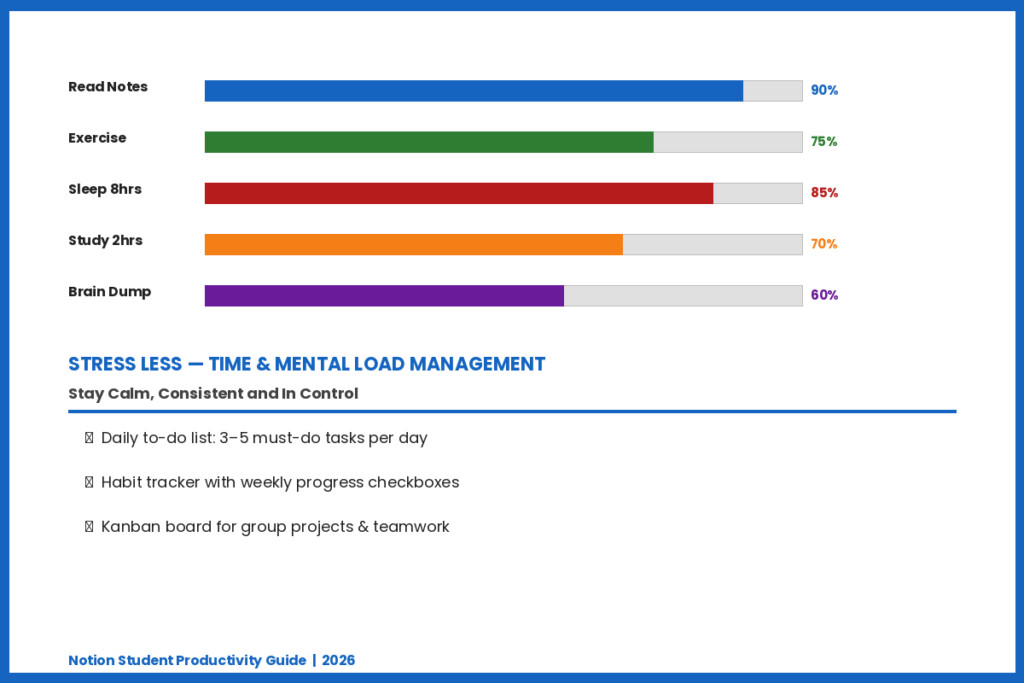
Hard work is essential but mental load is equally a very important component. To keep you calm, consistent and in control, Notion has a few tools.
Make a Daily/Weekly To-Do List
Include a basic checklist on your dashboard for daily activities. Keep it simple – three to five things you need to accomplish today. Making a list of daily tasks takes the pressure off having a long list of tasks to accomplish in a week.
Create a Habit Tracker
Good students are not the same as great students! Create a habit tracker in Notion to record your daily habits, such as drinking water, sleeping at the right time, exercising or taking notes. Monitor daily behaviors by using the checkboxes, see your weekly progress in a visual way, and record mini journal entries to look back on your day.
Use a Kanban Board for Group Projects
If you’re on a group project, use Kanban Board view in your database. Make columns such as To Do, In Progress, and Done. Delegate work to team members and monitor progress live. Easily share pages with peers and embed tools such as Google Sheets right into a shared Notion folder that everyone has access to.
Add a Brain Dump Page
Sometimes, there’s so much in your head that you just need to get it all out. One of the pages in your Notion workspace should be a Brain Dump page that is used to jot down any thoughts, worries, and ideas without organizing them. When you get it on paper, your mind is immediately cleared of the clutter. Return to it later and classify what is helpful.
Useful Notion Templates for Students
You don’t need to create everything from scratch. The Notion template gallery is stuffed with many free, student-focused templates.
Where to Find Templates
In the Notion sidebar, click on Templates and choose School from the dropdown. Templates features include class notes, reading lists, thesis planning, job applications, and personal CRM. You can also search the Notion Marketplace for community-created templates online.
Top Templates to Get Started
Student Dashboard: All your schedule, tasks, notes and goals in one place.
Study Planner: Plan your study by subject, topic and time block.
Cornell Notes Template: A note-taking framework that encourages active recall and revision.
Assignment Tracker: The Assignment Tracker is a database that is used to log each of the assignments with due date, status and priority.
Semester Roadmap: A time-line view of your entire Semester to plan with confidence.
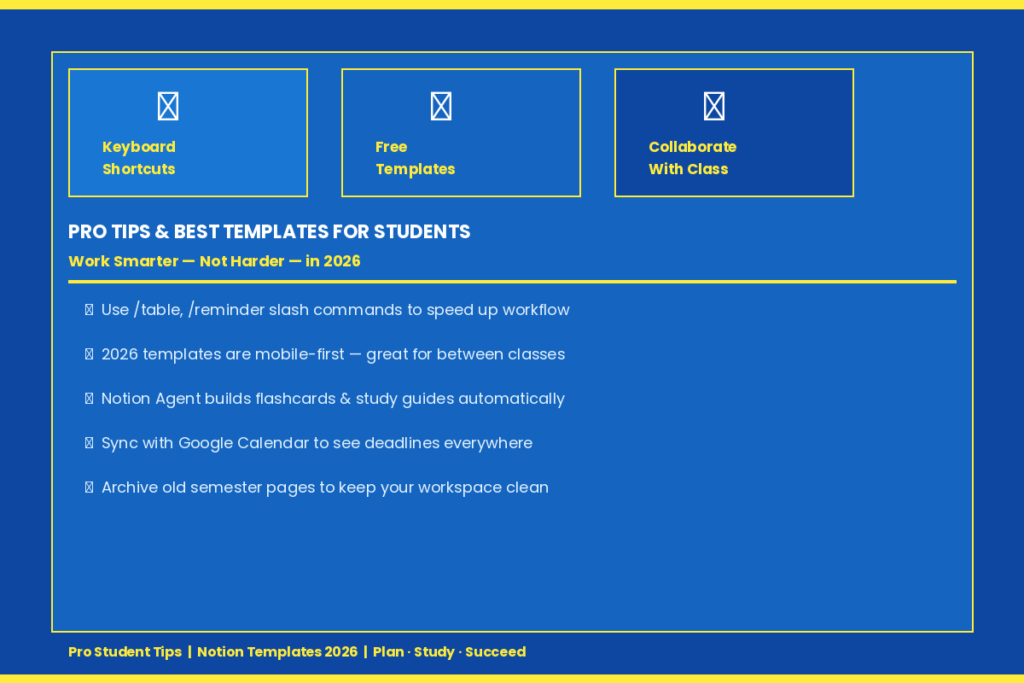
Many of the templates are mobile-first, so they fit your screen smoothly on mobile devices, especially important when you’re checking deadlines between classes and adding an instant note while you’re in lecture.
Pro Tips to Get the Most Out of Notion
If you’ve mastered the basics, these tips will help you work more efficiently and effectively within Notion.
Use Keyboard Shortcuts
Try slash commands, such as /table to open a database, /reminder to open an alert, and the command palette for super-speedy navigation. These are little changes that make you more efficient. The first five or six shortcuts you learn could save you an amazing amount of time every week!
Integrate Notion with Google Calendar
Integrate Notion with Google Calendar to make assignment reminders and class schedules show up in your calendar app. It can be particularly helpful for students who prefer to view a calendar rather than opening up Notion each time.
Boost your notes with Notion AI’s study assistant
You can generate content from your natural-language prompts for your pages, link notes together across your workspace, build databases, create flashcards, and update your study tracker — with Notion Agent, all in one place. For instance, you can request it to create a study guide for your lecture notes in a matter of seconds. Keep in mind that all of the AI capabilities are only available only for the Business plan; the Plus Plan is sufficient for most students.
Collaborate with Classmates
The Plus Plan is free for individual students and teachers, and allows them to bring up to 100 guests to their workspace. Collaborate on notes, co-edit pages of group projects, and keep everyone in the loop — literally!
Keep Workspace Clean
Notion can easily become cluttered over time. Archive previous semester pages, remove unused databases, and avoid adding too many sidebars to your page. Archive not important tasks or pages in an “Archive” section to maintain a clean workspace. Cleanliness is the sign of a clean mind.
Conclusion
Student’s life does not need to be chaotic. With a proper system, you’ll be able to make sure of all deadlines and study with a greater focus and even feel in control of your studies. Notion provides you with everything you need in a single app — and it adapts to your needs as you progress. Begin with just one or two features, and then expand on this. In time, your workspace is going to be a force that works on your behalf, 24 hours a day, 7 days a week. With how to use Notion as a student as your roadmap, you now have the tools you need to get that first step towards a more organized, productive, and stress-free student life.
FAQs
There are 5 FAQs about how to use Notion as a student.
Q1. May be students use Notion for free?
Yes. Individual students and teachers can upgrade to the Plus Plan for free by signing in using their school’s email address at any accredited college or university. The free plan is accessible to all, without time restrictions either.
Q2. Does Notion outperform Google Docs when it comes to studying?
They are used for different things. While Google Docs is versatile for creating single documents, Notion takes it a step further by offering a workspace for notes, task management, databases, and calendars. Notion is the winner for overall organization of students.
Q3. Is there an offline feature for Notion?
Yes, but there are some restrictions. Recently opened pages can be viewed offline, but all the functions of real-time syncing and editing will not function until reconnected to the Internet. Easy to read notes or look at a list of tasks.
Q4. How to stay in control when creating Notion?
Start small. Add features as your workflow grows, don’t do it all at once. Choose one template and stick to it for one week, and then add more when you’re ready. Notion is adaptable — it functions at your rate.
Q5. Which is the best Notion template for education?
If you’re looking for a complete college setup, Student OS and Notion x Students have got you covered. The first step towards a tidy and clean daily hub is a neat, all-in-one student dashboard. Thesis Planning and PhD Workspace are better suited for heavy research work.