Introduction
The right study tool could mean the difference in student learning and how teachers can manage their classroom. The two most used platforms today are Quizlet and Quizizz with different strengths in education. This Quizlet vs Quizizz comparison breaks it down for you to determine which is fitting for you and your classroom. This article can be valuable for teachers who are interested in using assessment materials that are engaging, effective and fun for students, or students who want to learn more effectively.
Table of Contents
What Is Quizlet?
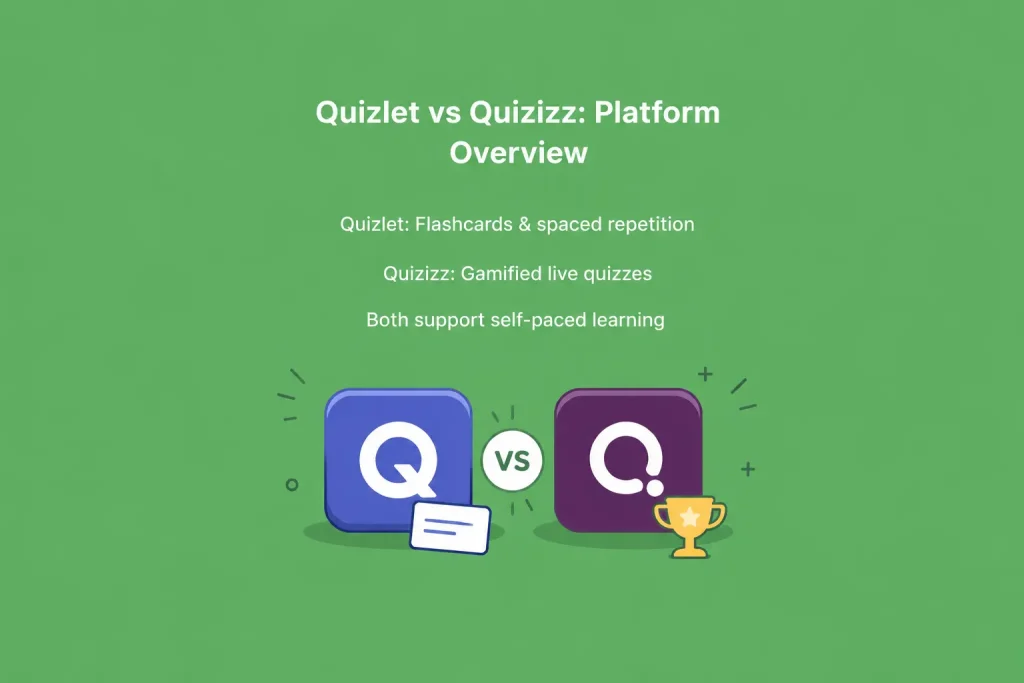
Quizlet is an online learning resource that uses flashcards, study sets, and test to help you learn. Now it has become a community of more than 300 million users making and sharing study materials for almost any subject you could think of. They can practice it to memorize key concepts, formulas, and vocabulary by repetition and active recall. Class sets can be created by teachers, the number of students studying each set can be monitored, and portions of material can be set aside for review by students. The platform can be connected with other tools such as Google Classroom, Canvas and Microsoft Teams, and it does not cause additional stress when it comes to an existing digital classroom setting.
Key Features of Quizlet
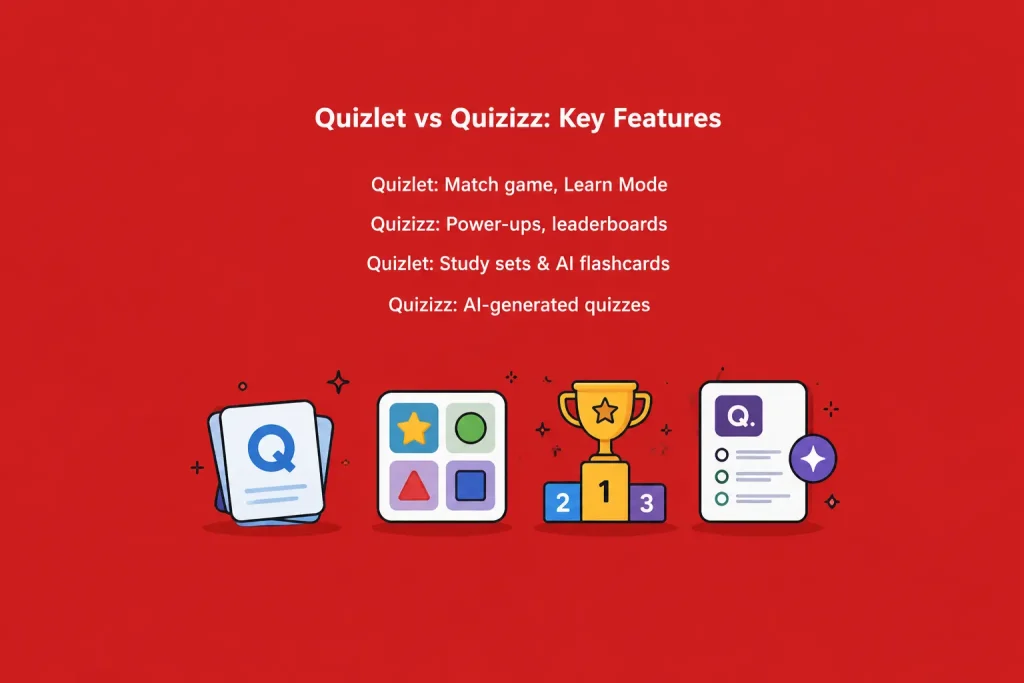
Quizlet’s digital flashcards include text, images and sound, helping visual and auditory learners alike. It is designed to adjust to students’ errors and redirect more practice time to the problem areas, in its Learn Mode. The spaced repetition algorithm is designed to coincide with the optimal period of time for information to be stored in memory, ensuring that students remember the material for longer. There are also some games, such as Match and Quizlet Live, to make the otherwise quiet study sessions a little more competitive.
Who Uses Quizlet?
High school and college students studying for exams find Quizlet useful, and language learners, who can use the audio and image features, do as well. Self-paced learners like to be able to learn at their own pace and at any time, without the pressure of a live class. Quizlet Teacher is used by teachers and tutors, who create class sets and track student progress. It is particularly suited for subjects which require a lot of memorization, like vocabulary, anatomy, historical dates, etc.
What Is Quizizz?
Quizizz is a gamified quiz platform to transform assessments into game show experiences. Quizizz has officially rebranded to “Wayground” in 2025, but the platform and core features remain the same and many teachers continue to use it by its original name. Flexible for various classroom environments as it allows for live quizzes to be conducted with the teacher in front of students or self-paced quizzes as a homework task. Students stay engaged in answering questions thanks to avatars, memes, timers and leaderboards. The platform also features interactive questions on videos, allowing teachers to pause a video clip and pose a question to the students, before proceeding with the rest of the video.
Key Features of Quizizz
There are over 20 types of questions available in Quizizz such as MCQ, Open-ended, Video Questions, etc. Its AI features enable teachers to create an entire quiz with just a single command or by uploading a document. Immunity, double points, and other power-ups enhance the excitement of real-time games. Reports against the detailed criteria and questions allow the teacher to observe precisely the areas of struggle for students in order to better plan for follow-up lessons.
Who Uses Quizizz?
Teachers who are interested in bringing fun and competition to their classes love Quizizz. It can be used in a variety of classroom settings, from small groups to whole grade reviews. They like the game format and this can make even the mundane reviews more enjoyable than anything else. It is also helpful for state test preparation, as teachers can construct practice tests that resemble the format of the actual tests.
Quizlet vs Quizizz Core Feature Comparison
Both sites are designed to simplify learning, but in different ways. Quizlet’s strength lies in a calm and relaxed repetition while Quizizz’s strength lies in energy, speed and competition. It’s important to know about these basic differences to understand which one fits your teaching style or study habits. Below are some comparisons between the different types of classes and software for producing content.
Study Modes and Game Formats
Quizlet provides flashcards, matching game option, written practice and a test mode with a random selection of question types. Quizizz specializes in leaderboard live, time-limited quizzes, as well as newer features like flash cards and interactive video questions. For quick group competitions, Quizizz is the better option. If individual quiet repetition is your preference, Quizlet’s format works better.
Content Creation Tools
Create study sets from scratch or use AI to generate flashcards from notes or documents on Quizlet. Quizizz’s AI can create a complete quiz from a prompt, document, or even a photo captured using the Quizizz app. Both platforms provide access to millions of user-generated sets, so you don’t need to start from scratch most of the time. But Quizizz has some advantages for teachers who need to transform their lesson content into an assessment in short order. Quizlet, on the other hand, might be more efficient if you’re creating a flash card dictionary or simple definition sets, because it’s focused on term/definition pairs, not full question/answer sets.
Ease of Use
The tools are both easy to use, but have different experiences depending on the role. Both platforms can be set up by teachers in a short time who are creating their first quiz or study set. However, when it comes to teaching on a tight schedule, navigating and set up times still can be a difference.
Interface and Navigation
The Quizlet interface is straightforward and devoid of clutter, assisting students to concentrate on the task at hand. The Quizizz interface is a little busier because of the game elements added to it, but that is by design and is to increase engagement. It takes a little time to get used to Quizizz if you are a new user to explore all of the game modes and settings available.
Learning Curve for Teachers
Teachers can make a basic Quizlet study set in just a few minutes, as it’s simple text and cards. Quizizz will take slightly longer to set up initially, particularly if you wish to use the advanced options of power-ups or interactive video questions. As teachers get to know the dashboard, though, both become very easy to use for regular lesson planning.
Learning Curve for Students
Students generally pick up Quizlet quickly since flashcards are a familiar study format. Quizizz’s game mechanics can take a bit of getting used to but most students pick up on them quickly due to the simplicity of the prompts. Once the kids get the idea it is a great deal of fun, particularly for younger students, because it is a friendly competition.
Classroom and Teaching Features
Control procedures are as important to the teacher as the material being studied in the classroom. Both platforms have methods by which live sessions, assignments and results can be monitored, but they do it differently. The selection of an appropriate mix of these tools can help reduce planning time throughout a school year.
Live Quiz Hosting
Quizizz was created mainly to create quizzes that are instantly accessible and can be hosted in real time, featuring leaderboards and instant feedback. Quizlet Live: This is similar to Quizlet but is more about collaboration than competition as possible answers are distributed between the devices of a group of students. Teachers seeking quick-paced, class-wide energy typically choose Quizizz live, whereas those who prefer working in teams and engaging in discussion with peers may choose Quizlet Live.
Assignment and Homework Options
The platforms both offer quizzes or study sets that can be assigned to students for homework that they can complete at their own speed. Students are reminded and notified automatically about assignments via Quizizz. On the other hand, Quizlet lets students study at their own speed, and gives reminders according to their own study plans.
Progress Tracking and Reports
Quizizz offers detailed, question-by-question feedback, showing where each class or student actually failed. Quizlet measures and tracks progress over time and then uses that information to update Quizlet’s Learn Mode for each individual. For teachers who require specific data per class, exportable via their reporting tools, Quizizz might be a greater fit.
Pricing Plans
Cost is sometimes a major consideration, particularly if the teacher is buying the tool with a limited budget. Both have free plans that come with solid core features, and paid plans for advanced features. Also, when assessing a district-wide rollout, schools might want to look at how pricing works when it comes to multiple classrooms because it could get costly per teacher for larger schools.
Free Plan Features
Quizlet’s free plan offers access to millions of shared flashcards, basic study modes, and flashcard creation. For most classroom activities, Quizizz’s free plan will suffice for creating quizzes, hosting them live, and basic reporting. The free versions of both tools are very generous in comparison to other edtech alternatives available.
Premium Plan Costs and Benefits
Quizlet Plus costs approximately $35.99 yearly and unlocks advanced study tools, ad-free studying, and offline use. Teachers usually need to pay for Quizizz, with a typical subscription price beginning at $19.99 per month, offering access to more advanced features such as analytics and other types of questions. Districts and schools may be able to negotiate special pricing for both platforms when ordering in bulk quantities. This is a great comparison of the exact features offered at each subscription price before you sign up, because the two companies update their features offer from time to time..
Pros and Cons
While no platform is perfect for all situations, comparing the advantages and disadvantages can help you decide which one is best for your classroom or study habits.
Advantages of Quizlet
With spaced repetition, Quizlet is great for studying and recalling facts by yourself, at your own pace, and on your own time. The enormous collection of common study sets saves time when studying for the same subject. An interface that is clean and easy to use ensures the students do not get distracted from the learning process and the support it provides for audio and images is particularly good for language learning.
Advantages of Quizizz
In live group settings, where engagement and friendly competition is most important, Quizizz scores. Using its AI based Quiz generation feature it allows teachers to save time during the development of assessments from sets of existing materials. Detailed reporting allows for learning gaps to be identified quickly and the wide range of different question categories ensures that assessments remain fresh and varied rather than repetitive.
Limitations of Each Platform
While Quizizz has more options for live game formats, Quizlet has a few group competition options. Quizizz, however, can be intimidating to students who like to review quietly at their own pace. Both platforms are not a complete solution so many classrooms end up utilizing both.
Which One Should You Choose?
Your choice ultimately depends on how you plan to use the platform, whether for personal study or classroom instruction.
Best for Teachers
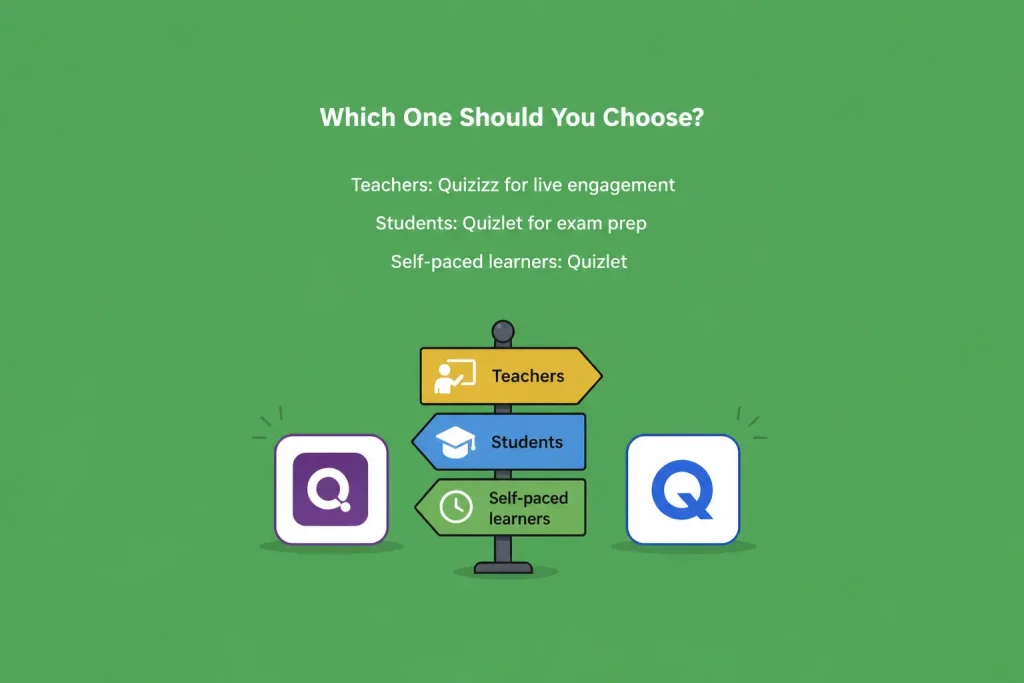
Quizizz may be preferred by teachers who seek interactive and competitive review sessions for students, with the in-depth reporting features. Quizlet might be a better option for those looking for quick and easy study sets to work on at home. Many teachers eventually use both the tools for various purposes during the week.
Best for Students
Quizlet’s flashcards and spaced repetition will work best for students who study by themselves for exams. Quizizz might be more motivating for those who like competitive and gamified review sessions.
Best for Self-Paced Learning
Quizlet’s Learn Mode and spaced repetition system will do the job of long-term retention better for purely self-paced learning. While Quizizz can be played by itself, it is most beneficial when played in a group or live environment.
Introduction
Quizlet and Quizizz are valuable to education and learning, in different ways. Quizlet is a more appropriate choice for students who want to study independently to memorize and retain information, while Quizizz is a better choice for students who want to participate in a live, game-based classroom session. It is found that the use of both tools together offers a broader learning needs spectrum than either one alone, to many teachers and students. Your choice will depend on your needs, which could be exam preparation, classroom vitality or fine-grained performance monitoring. Regardless, both are viable, maintained options for contemporary learning in 2026.
FAQs
1. Is Quizizz the same as Wayground?
Yes. Quizizz rebranded to Wayground in 2025, but the platform, features, and login remain largely the same.
2. Which is better for exam prep, Quizlet or Quizizz?
Quizlet is generally better for exam prep due to its spaced repetition and flashcard-based study modes.
3. Is Quizlet or Quizizz free to use?
Both offer solid free plans, with optional paid upgrades for advanced features and reporting
4. Can teachers track student progress on both platforms?
Yes, both platforms provide progress tracking, though Quizizz offers more detailed, question-level reports.
5. Which platform is more engaging for group activities?
Quizizz is more engaging for group and live classroom activities due to its gamified, competitive format.