Introduction
Lesson planning consumes time teachers do not have. Whether it’s grading, meetings, or class time itself, there’s a need to plan quickly without compromising quality. One of the most widely-used solutions to solve this exact problem is Quizlet for teachers, which provides pre-built study sets, AI-generated content, and features classroom tracking. Teachers don’t have to create all their worksheets, flashcard sets or quizzes from scratch, they can simply build on a platform that does most of the work for them. This article explains 10 practical ways to ease the burden of your weekly tasks.
Table of Contents
Why Quizlet Is a Lesson-Planning Game Changer
Growing Time Pressure on Teachers
Today’s teachers are required to “do more with less time. The requirements of the curriculum continue to increase, class sizes are frequently large, and planning time is frequently too short. Many teachers find themselves working on their lessons at night at home in order to “catch up. That sort of pressure is enough to put anything genuinely that saves time to the test.
Fitting Into a Modern Classroom
Quizlet started with flashcards, but has expanded into a wide range of study and assessment tools. It now has AI tools, practice tests, games and progress dashboards integrated seamlessly into everyday lesson plans. It is not meant to replace your lesson plan but rather will serve as a layer that will pick up and manage repetitive elements of your preparation. That gives you more time to plan those sections of your teaching that truly require your judgment.
1. Use Ready-Made Study Sets Instead of Building from Scratch
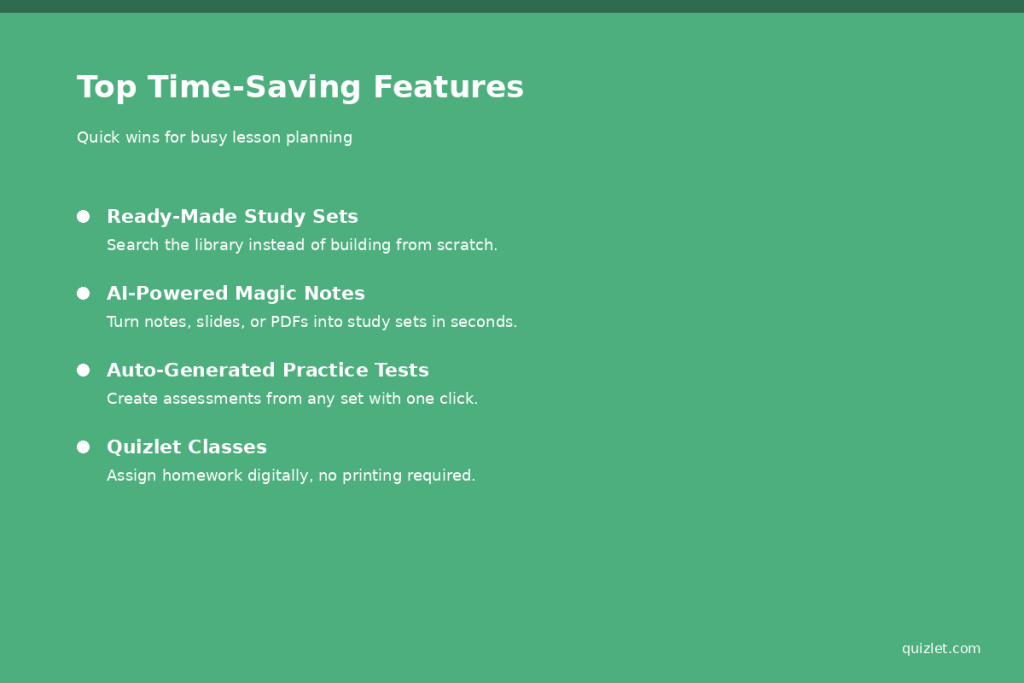
The quickest time saver is to skip the creation process altogether. There are hundreds of millions of study sets in Quizlet’s library ranging from every subject to every grade level. Many of these sets are developed by other teachers and so are tested in classrooms. The first step in most planning sessions is searching first before building.
Searching by Subject and Grade
Change the subject, grade band, or keyword to only see the most relevant sets of results. It is simple to look for the vocabulary lists, formula reviews or historical timelines that correspond to your classes. If you’ve located a close match, you can duplicate it and then make some modifications instead of beginning every page from scratch.
Also, be sure to verify ratings and the number of studies before using the set. Popular sets are more likely to be correct and well organized, as other teachers and students have evaluated the material. This is a simple, one minute quality check which may help you avoid giving your students errors.
2. Create Custom Flashcards in Minutes
If there is nothing that suits in the library, it’s a quick way to build your own set. Quickly and easily type term-definition pairs using Quizlet’s editor, which will auto-save and format for you. Incorporate images or audio into making sets more useful to visual or auditory learners.
Importing Notes and Slides
Rather than copying and pasting text, you can paste text directly from your lecture notes, slides, or textbook chapters into Quizlet’s set creator. Pasted text can be automatically divided into term-definition pairs on the platform. This little trick can save you 20 minutes!
Another option is to duplicate an existing set and tweak the level to match another class, without having to create a brand new set. This can be particularly helpful for teachers who have to instruct students at different grade levels and ability levels in the same subject. Typically, only minor word changes or levels of difficulty are required.
3. Generate Practice Tests Automatically
You can convert any study set into a practice test without any extra effort on Quizlet. This can be helpful for a quick formative assessment or for review during exams. No need to write any new questions to get a built-in assessment.
Customizing Question Types
The forms of questions can be selected, including multiple choice, written answer or true or false. This flexibility can result in multiple different sets of practice tests for various purposes within the unit.
The platform can also be summarized to create a new version of the test every time, as all questions are random and may be in different formats. This will be useful if you have students who require a second test attempt, or if you want to make a few different versions for different class times.
4. Assign Homework Directly Through Quizlet Classes
Quizlet Classes allows you to assign study sets as homework to students in groups! The platform takes care of the logistics, and students work independently on their own devices. No need to print, photocopy or distribute items by hand.
Tracking Completion Automatically
You don’t have to track who completed the assignment as the platform keeps track of this. This eliminates an unnecessary and cumbersome grading task on a weekly basis, particularly for vocabulary or review assignments that don’t need to be graded extensively..
5. Use Quizlet AI Tools to Speed Up Content Creation
One of the most significant time-saving features on Quizlet for teachers in 2026 is its AI capabilities. Magic Notes can quickly transform a set of notes, a slide deck, or a PDF into a well-organized study set in seconds, saving you hours of preparation time in content-rich lessons. The Learn mode also utilizes AI to forecast when a student is more prone to forget a term, and reviews it at a more effective time.
AI-Generated Definitions and Summaries
Quizlet can create definitions, short summaries and sample questions from written text, besides Magic Notes. This is particularly useful for varying levels of reading skills and for use as quick warm-up exercises. Note: Not all of these AI features are available for free anymore and are part of a Quizlet Plus for Teachers subscription.
If you’re one of those teachers who teaches multiple subjects or preps, this type of content automation can be one of the time savings that makes this top list. A study set can be created in as little time as a minute from a reading, a set of lecture notes, or even a chapter from a textbook!. It is worth testing this feature on your densest unit first, since that is where the time savings tend to be most noticeable.
6. Organize Materials with Folders and Classes
You can arrange study sets into folders to keep your assignments organized by unit, topic, or class period. This set-up will help a lot of people locate what they are looking for later in the school year.
Reusing Sets Across Classes
Sets can be re-used in other parts of the book, or with slight changes in different semesters. This saves you from re-building the resources every term, and makes a single planning session into resources that may be used again and again.
7. Track Student Progress with Built-In Analytics
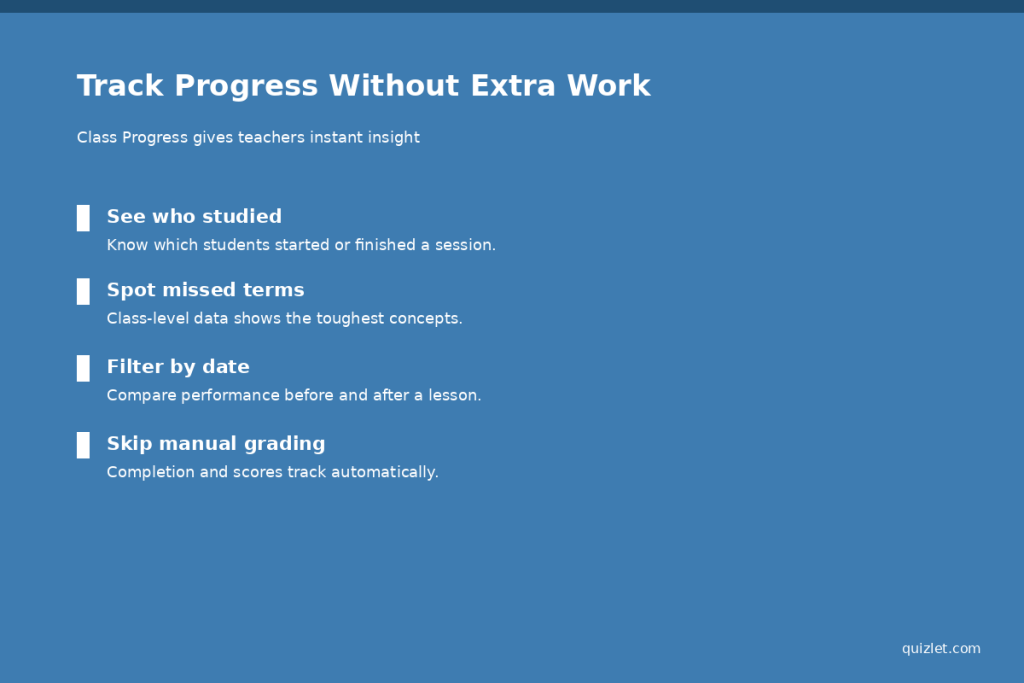
The Class Progress function enables teachers to see who has begun or completed a study session. View scores in any mode from a single dashboard: Test, Match and Gravity. Using this data to make decisions on where to spend the next lesson without administering a separate diagnostic quiz.
Identifying Knowledge Gaps Early
Class level data identifies the most commonly missed terms, allowing you to target gaps before they occur on a test. This kind of insight usually only comes with the paid teacher plan, but it will save time in reteaching later.
It is also possible to view this data over a time period, which can be helpful for comparing performance before and after a particular lesson or review session. Another quick way to help reinforce accountability with students or parents without any added communication burden for you is to provide a brief summary.
8. Use Game Modes for Quick, No-Prep Review Sessions
All you have to do is take a few seconds to sign up for Quizlet Live, Match and Gravity to make review a game. The following modes are helpful for filling time when you have a little time remaining in class or when you have a day off and need to fill it. Students remain active without having to create an activity.
Quizlet Live as Team Review
Quizlet Live will automatically assign students to groups, and they must work together to answer correctly. It is effective for recapping prior to a quiz and as an alternative to giving new vocabulary in a different format.
9. Collaborate and Share Sets With Other Teachers
Teams can share sets, so that no team member builds the same material again. If there is some consensus among the departments about the vocabulary lists or review sets, then the preparation falls organically among the other people.
Building a Shared Resource Library
With time, it can become a shared folder of sets that have been approved by your department that will be a resource library to be used again. New teachers entering the team can use existing resources to create their own brand-new curriculum.
10. Plan Ahead With Study Guides and Spaced Repetition
Quizlet can compile existing sets of definitions, practice questions and key terms into one Study Guide automatically. It can be helpful for exam weeks when students have just one source to sum up from.
Automatic Review Scheduling
The platform has a spaced repetition feature that plans the review time points dependent on the student’s current level of knowledge of each term. This means that you don’t have to create a multi-week review calendar yourself; the system will take care of pacing for every learner.
Manual Lesson Prep vs. Quizlet-Assisted Prep
| Task | Manual Approach | Quizlet for Teachers |
| Building vocabulary lists | Type each term and definition by hand | Search the library or import notes instantly |
| Creating a practice test | Write questions one at a time | Auto-generate a test from any study set |
| Assigning homework | Print, copy, and collect by hand | Assign digitally through Quizlet Classes |
| Checking who studied | Ask students or check paper logs | View automatic Class Progress data |
| Planning review schedules | Map out a review calendar manually | Spaced repetition schedules review automatically |
Getting Started
It doesn’t take every feature to reap a reward. The majority of teachers begin with one or two, such as study sets (pre-made) or Class Progress tracking, before introducing additional tools. This slow approach prevents an abrupt change-over of tools mid-semester with a learning curve.
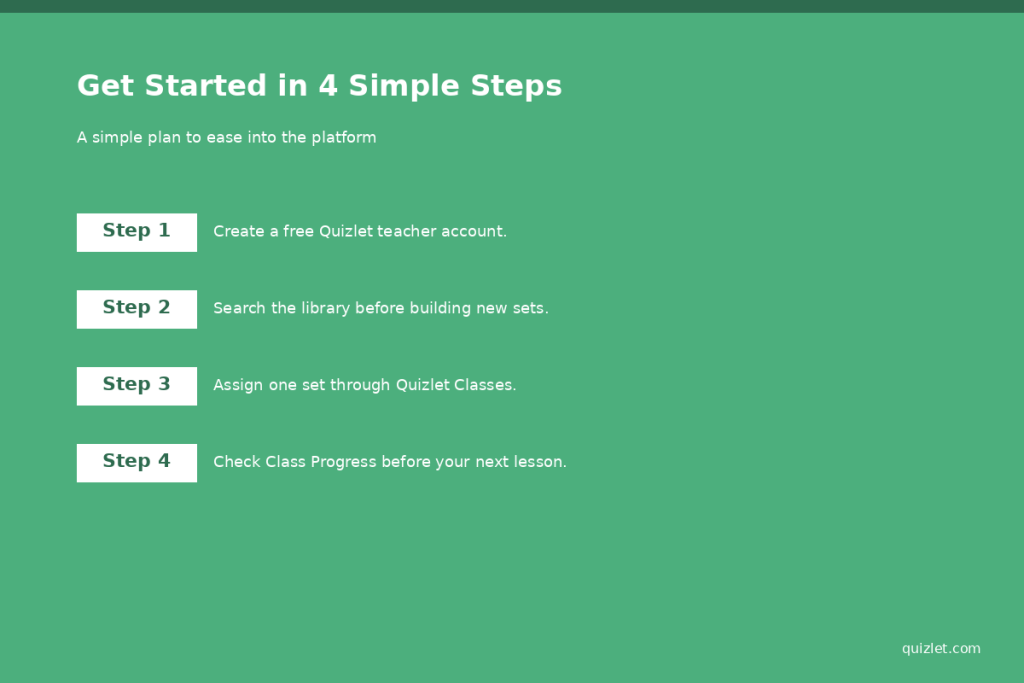
It also encourages students to use the platform early, as soon as they see study sets set as homework they are able to learn the platform very quickly. It is usually sufficient after just a short classroom demonstration of 5 minutes or so, to ease everyone into the unit. After that, the time saved increases with familiarity for both you and your students.
FAQs
Does Quizlet offer quizzes for teachers free of charge?
Yes, Quizlet has a teacher account for free with class groups, set assignments, and Quizlet Live. The Quizlet Plus for Teachers subscription offers access to extra features such as Class Progress tracking and other AI capabilities.
What is the price of Quizlet Plus for Teachers?
After a 30-day free trial, Quizlet Plus for Teachers costs approximately $35.99 per year or $7.99 per month billed.
Can Quizlet create study notes based on my own notes?
Yes. One of Quizlet’s Magic Notes features automatically turns pasted notes, slides or PDFs into a structured study set, which can save a lot of prep time.
Is it possible to automatically monitor student progress with Quizlet?
Yes. The Class Progress feature provides information about how many students have completed study sessions, their performance by modes and the terms that students struggle with the most.
Could Quizlet be used for all grades and subjects?
However, Quizlet is great for any subject where the material is in terms, definitions, or facts to be recalled, like vocabulary, science concepts, history, etc. It is not as appropriate for subjects that involve predominantly long writing or free problem solving.