Introduction
If you are a student in 2026, chances are that you have heard of the Turnitin AI Checker for Students, and perhaps you are curious to learn what this means for your next assignment. Turnitin has evolved from a plagiarism detection tool to one that uses AI to check if your text has been generated using tools such as ChatGPT, Jasper, and other AI writing tools. Learning how this works before hitting “submit” might prevent you from a stressful situation, a potentially awkward conversation with your professor, and even a formal academic misconduct hearing.
Table of Contents
What Is Turnitin and Why Did It Add AI Detection?
For a long time, Turnitin has been the most widely used plagiarism checker in schools and universities around the world. It compares a submitted piece of work with a huge database of academic papers, websites, and other submitted work to detect any copied material.
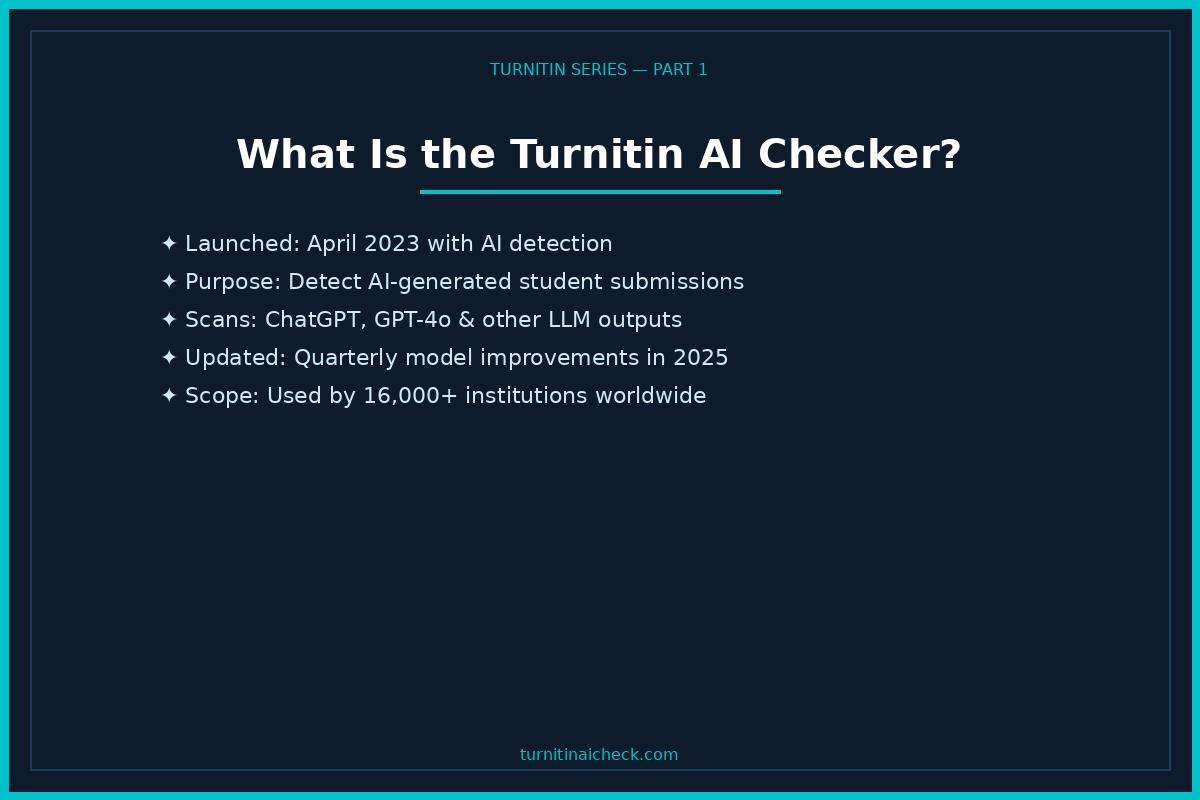
But in April 2023, Turnitin launched a new, significant feature: writing detection using AI. This was in response to the emergence of many AI tools like ChatGPT, which enabled anyone to write essays in a matter of seconds.
In 2025, Turnitin enhanced this feature significantly, using more advanced machine learning techniques to detect AI-written work. The objective was simple: to help teachers determine how much of a student’s work was written by a human.
It is worth noting that this new feature in Turnitin is a significant step in detecting AI-written work, and its objective is simple: to help teachers determine how much of a student’s work was written by a human.
The new feature in Turnitin is a significant step in detecting AI-written work, and its objective is simple: to help teachers determine how much of a student’s work was written by a human.
How Does the Turnitin AI Checker Work?
Breaking Down the Detection Process
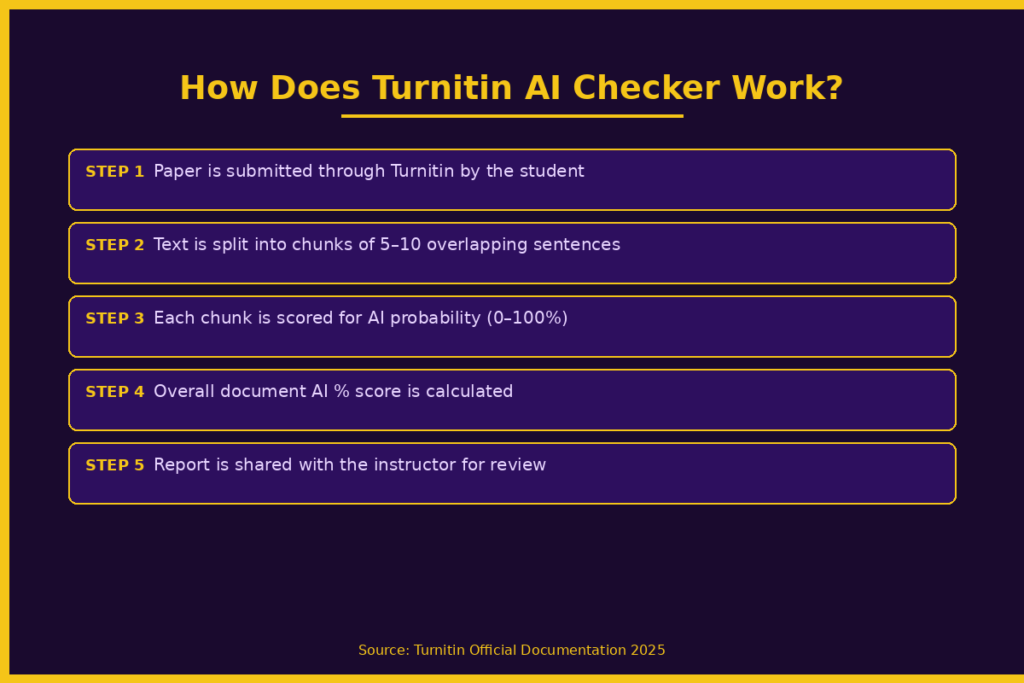
When you turn in your paper, it is not looked at as a whole document. It is broken into overlapping sections of five to ten sentences. It is then evaluated individually.
Each section is given a probability score. It is estimated how likely it is to be generated by an AI.
These probability scores are combined to come up with the overall percentage, such as “82% AI generated.”
What Technology Powers It?
Turnitin developed its own model to determine if the work is generated by an AI. It is done completely in-house. It is not dependent on any other tools. It is trained on millions of student submissions. It is designed to evaluate:
- Uniform word choice and sentence structure
- Predictable transitions and phrasing
- Writing with no “burstiness” (the way the length of sentences varies between short and long)
Turnitin is updated quarterly. This means if you can trick the model this semester, you won’t be able to next semester.
What Does the Score Actually Mean?
Here is a basic outline of how these scores are generally interpreted:
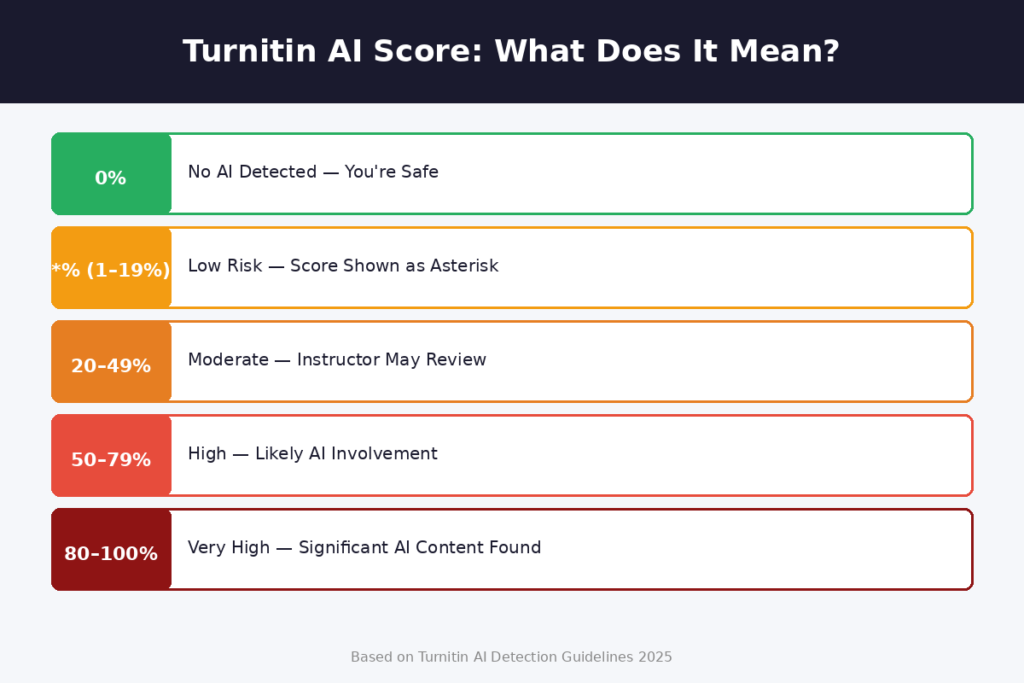
- 0% – No AI detected
- 1% – 19% – The score is indicated by an asterisk due to low reliability in this scoring bracket
- 20% – 49% – Potential for use of AI
- 50% – 100% – High likelihood of significant use of AI-generated content
It is important to note that any percentage below 20% is indicated by an asterisk due to low reliability. This is due to Turnitin’s own admission of low reliability in these scores.
What Can the Turnitin AI Checker Detect?
AI-Generated Content
The tool is most trained to identify content created by large language models such as GPT-3, GPT-3.5, GPT-4, and GPT-4o. When a student copies and pastes a chat response into a paper, it is likely to be detected by the tool.
AI-Paraphrased Content
This is a new feature of the tool. Even if a student uses an AI generator and then runs the content through an ‘AI Humanizer’ or a ‘Paraphrasing’ tool, the updated version of Turnitin released in 2025 will likely be able to identify it. The basic synonym replacement tool such as QuillBot will be detected by the tool 70% of the time.
Mixed Human and AI Writing
The tool is also able to highlight sections of a paper that may have been written by an AI. Therefore, even if a student writes an original paper, a few paragraphs written by an AI will be highlighted in the report provided to the instructor.
What It Cannot Reliably Detect
Turnitin’s AI checker still has meaningful limitations. It struggles with short texts under 300 words and sometimes misclassifies highly structured writing (like lab reports or policy briefs) as AI-generated. Its accuracy also varies for non-English submissions, though Spanish and Japanese are now supported alongside English.
Can Turnitin Give a False Positive?
Yes — and It Happens More Than You Think
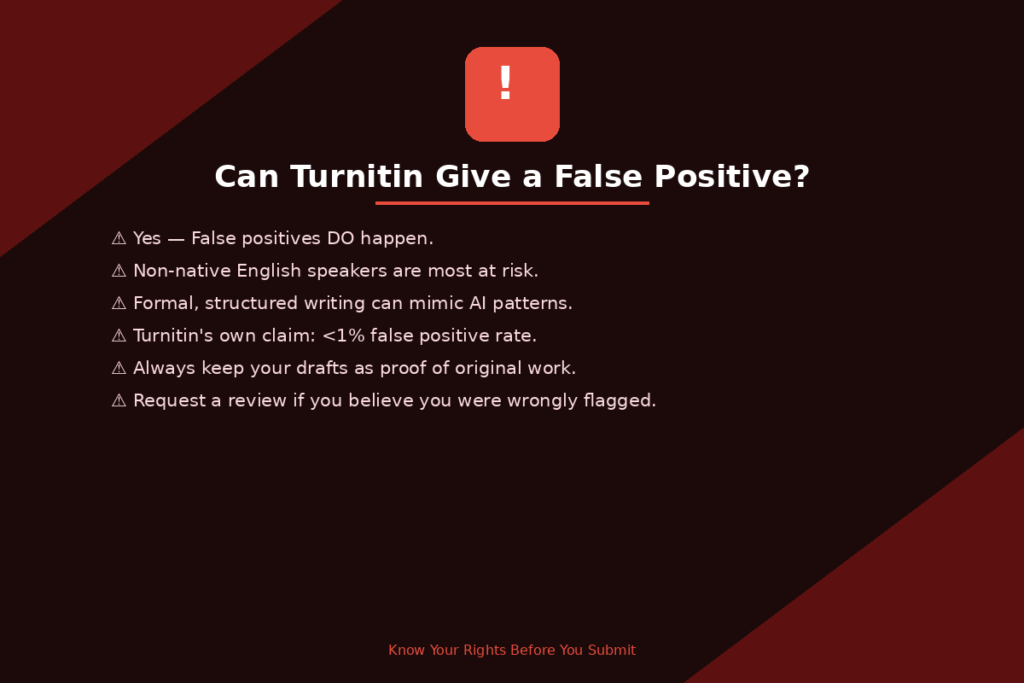
What this means is if your work is completely human-written, it is incorrectly identified as being generated by AI. Turnitin officially states that false positives occur less than 1% of the time at the document level. But research indicates the actual figure may be much higher in some circumstances.
Students Who Are Most Likely to Experience False Positives Include:
- Non-English speakers with formal and structured writing styles similar to those generated by AI
- Neurodivergent students with autism, ADHD, and dyslexia using repetitive phrases and structured writing styles
- Students with very formal writing styles with consistent structure and language
In early 2025, dozens of international students at a US university were incorrectly flagged for using AI to write their essays. It was subsequently discovered this was the result of false positives caused by the model’s bias against accented non-standard English.
What Turnitin Says About This
Turnitin is honest about this. They state the following on their website:
“The model may not always be accurate. Moreover, the model should not be used as the sole basis for any adverse action against a student.
What Happens If Turnitin Flags Your Work as AI?
The Instructor Sees the Report — Not You
One important thing to know: students cannot see the AI detection report. Only instructors and administrators can access it. So, one more reason why you should check your own work using free tools like GPTZero before you submit your work.
No Automatic Accusation
Turnitin does not automatically accuse a student of cheating. What it does is present a piece of information – the AI score – and then let the instructor and institution decide what to do next.
Potential Consequences
Consequences depend on your school’s policy. Here are some possible consequences:
- A discussion with your instructor regarding your writing process
- Asking you to resubmit your work and explain your process
- Investigation of academic dishonesty by your institution
- Grade penalties and/or failure in a course in extreme cases of academic dishonesty
Consequences vary a lot across different institutions. It is therefore important to check your institution’s policy regarding the use of AI in academic work before you submit your work.
How to Write Authentically and Avoid Being Flagged
Write in Your Own Voice
The best way to avoid being flagged by AI-detection tools is to actually write your own work. Write about your own experiences, thoughts, and examples. Original writing by humans has a different sentence structure compared to AI writing.
No Directly Copying AI Tools
Even if your institution’s policy permits you to use AI as a research assistant or a tool for generating ideas, directly copying AI content into your own work is a risk in itself. If you use AI as a tool for generating ideas, make sure you rewrite all content completely in your own words.
Keep Your Drafts
It is a good idea to keep drafts of all work, no matter how preliminary. This will protect you if you ever need to prove that you wrote a particular paper. Keep a paper trail of drafts, no matter how embarrassing they might be.
Utilize Turnitin’s Draft Coach
If you have access to Turnitin’s Draft Coach, a feature within Google Docs, you can utilize it to check your work for grammar, citation, and plagiarism.
Ask Before You Submit
If you’re unsure if you’re allowed to utilize AI tools, ask your instructor first. Many instructors support the utilization of AI tools, as long as you let them know.
Is It Okay for Students to Use AI Tools?
This is one of the most common questions students are asking in 2025 and 2026, and the answer is: it depends entirely on your institution and instructor.
Some institutions are now allowing students to use AI as a brainstorming tool or editor, so long as the material being presented is the student’s own work.
Others are completely banning AI use.
One of the biggest things that most institutions are now agreeing on is the fact that passing off AI as your own original work without disclosing the fact that it is AI is a form of academic dishonesty.
As always, the best course of action is to check with the syllabus of the course you are taking or with the instructor of the course you are taking.
Quick Tips Before You Hit Submit
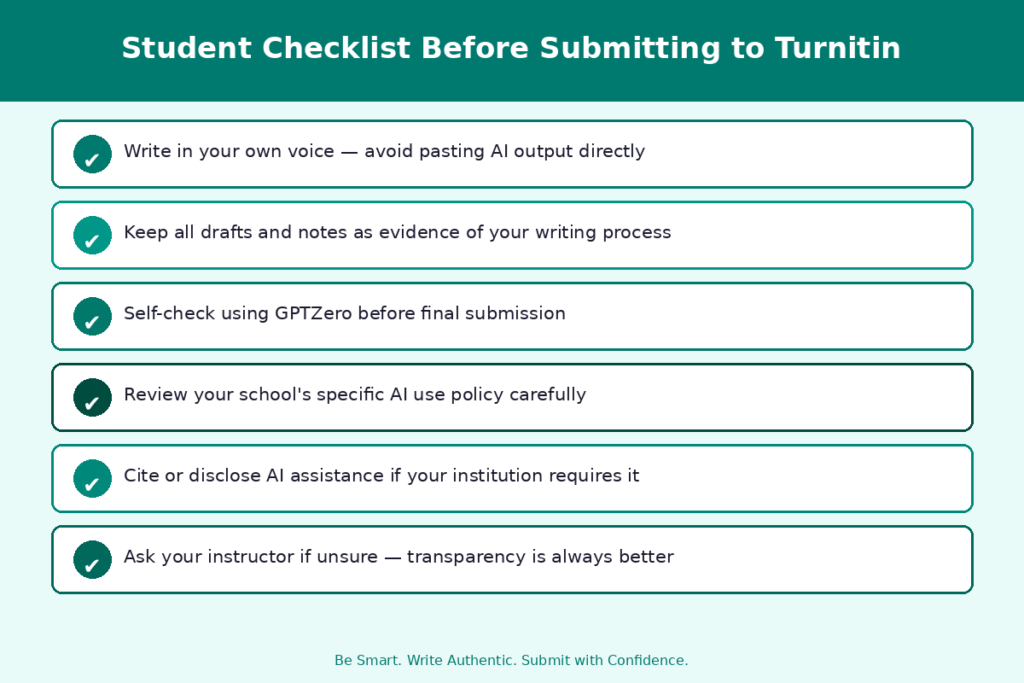
Here is a simple checklist to follow before submitting any paper through Turnitin:
1. Write and revise in your own words – no copy and pasting from any AI tool
2. Make sure to keep all drafts and notes as evidence of your writing process
3. Self-check with a free tool like GPTZero for a sneak peek at how your work will rate
4. Know your school’s policy on using AI – what is and isn’t allowed
5. Give credit to any AI tool you used, if your school permits this with disclosure
6. Ask your instructor if you’re unsure of anything before submitting
Conclusion
Understanding the Turnitin AI Checker for Students will give you an advantage before you submit your assignments. The tool is very effective, but it is not perfect, which means there are false positives, and the results are not the final word. The best approach is simple: write your own work, retain your copies, be aware of your school’s policy, and communicate openly with your teacher in case of doubts. Being aware is the best protection.
FAQs
Q1. Can Turnitin detect 100% AI-written essays?
Yes, Turnitin can reliably detect essays written with 100% AI-generated text, especially for longer, unedited text.
Q2. Does Turnitin save student papers in its database?
Yes. Any papers submitted to Turnitin are saved to its database and used to evaluate future submissions. It also means your work can be compared to any other papers submitted to Turnitin by other students at any school.
Q3. Can Turnitin detect AI if I paraphrase the content?
Even if you paraphrase the content using tools like Quillbot, it can still be detected 70% of the time.
Q4. What score is considered “safe” on the Turnitin AI checker?
0%. Any score between 1%-19% is represented as “*%” and is not trustworthy. A score above 20% is the point at which teachers start to take notice.
Q5. Is the Turnitin AI checker available for all students and schools?
Not automatically. It is part of the originality license, which schools have to pay for. If your school is using this feature, it means all students can access it via the school’s Turnitin account.