
Introduction
Learning smarter begins with the tools you use and the Quizlet flashcards maker is one of the most popular ways for students and teachers to create study sets in no time. Use notes, slides or PDFs to quickly turn them into ready-to-study flashcards, instead of writing out cards by hand. It explains what the tool is, highlights its most important functions, and provides some tips for the quickest and best way to build quality study sets. This article should be helpful if you are studying for a final exam, learning a new language, or arranging your classroom material, because you will be able to utilize Quizlet to the best of your ability without spending hours setting it up manually.
Table of Contents
Why Flashcards Still Work for Studying
Flashcards are still popular today for decades for a reason: they use active recall, one of the best ways to transfer information to long-term memory. You are not permitted to read the book, you must remember the answer every time you turn over a card. This little effort helps to reinforce memory far more than mere note reading.
This is the basic technique, which is supplemented by digital flash card tools. Spaced repetition algorithm determines the appropriate timing to see a card again as per the previous recalling performance. Cards that you don’t know so well come up more frequently, and cards that you know better come up less frequently. This is more efficient than shuffling a static deck of paper cards.
What Is Quizlet Tool?
It’s an internal application that enables you to produce electronic flash cards for any subject. You can either enter terms and definitions yourself, or have Quizlet’s AI do it for you based on your own notes and documents. All the cards you make will be included in a study set and can be studied with various study modes.
It is beneficial to nearly any kind of learning. Students take advantage of it for test preparation, teachers use it to create classroom materials, and professionals utilize it for certification studies. This tool will eliminate all the time-consuming formatting work involved, allowing you to focus more on the content itself.
How It Works
First, you make a new study set; then, you can type your own notes or upload notes, slides, or a PDF. Using Quizlet’s AI technology, the content is scanned, key terms and definitions are extracted, and these are automatically organized into flashcards. From there you can edit, reorder or add cards to study.
Who It’s Best For
This tool is useful for students studying for exams, teachers creating lesson materials, and professionals studying for certifications. It is also very popular among language learners as flashcards are an effective method for developing vocabulary. It has something for everyone who must learn a set of facts, terms or concepts quickly.
Key Features to Know
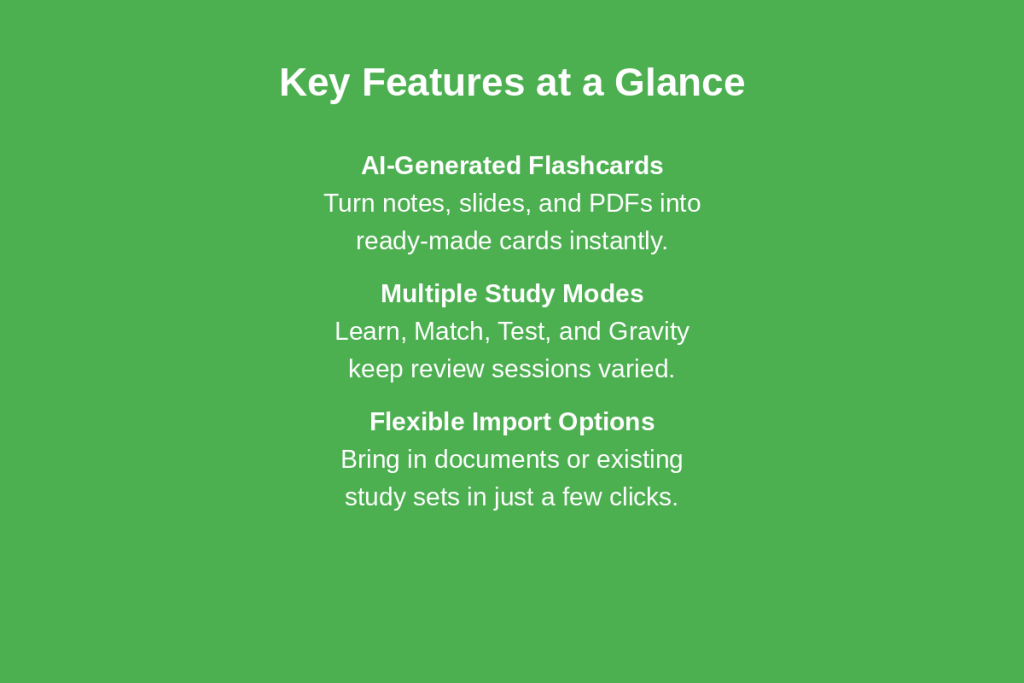
Quizlet has grown into more than just flashcards. The platform has also been enhanced with new AI features for creating sets, various study modes, and flexible import capabilities, making it quicker to build a study set than from scratch.
AI-Generated Flashcards
Quizlet’s AI flashcard generator automatically creates flashcards from lecture slides, handwritten notes, and typed documents. You can add notes or upload a file, and the AI sorts the content into cards in seconds. Alternatively, you can just type a topic and the AI will create a complete set of flashcards.
Study Modes
After you’ve created your cards, Quizlet provides a number of ways to study your cards. Learn mode adapts to your level and highlights the terms that you find most difficult. Match and Gravity make studying a fast game, and Test mode creates a practice quiz from your set. Alternating between modes prevents repetition of review sessions.
Import Options
You don’t have to type the cards one at a time. You can add notes, PDFs and other documents to Quizlet and can also find existing study sets from other teachers and students. This is particularly helpful if you don’t have much time to spend and want to get your study set together.
This is important if you have poorly organized or disorganized source material. A handout that is scanned, a long powerPoint presentation or a wall of typed lecture notes can all go into the tool without re-typing any material. Once imported, the cards can be fully edited – you can correct text, remove duplicate terms and split overloaded cards into smaller, clearer terms.
Step-by-Step: How to Create a Study Set Fast
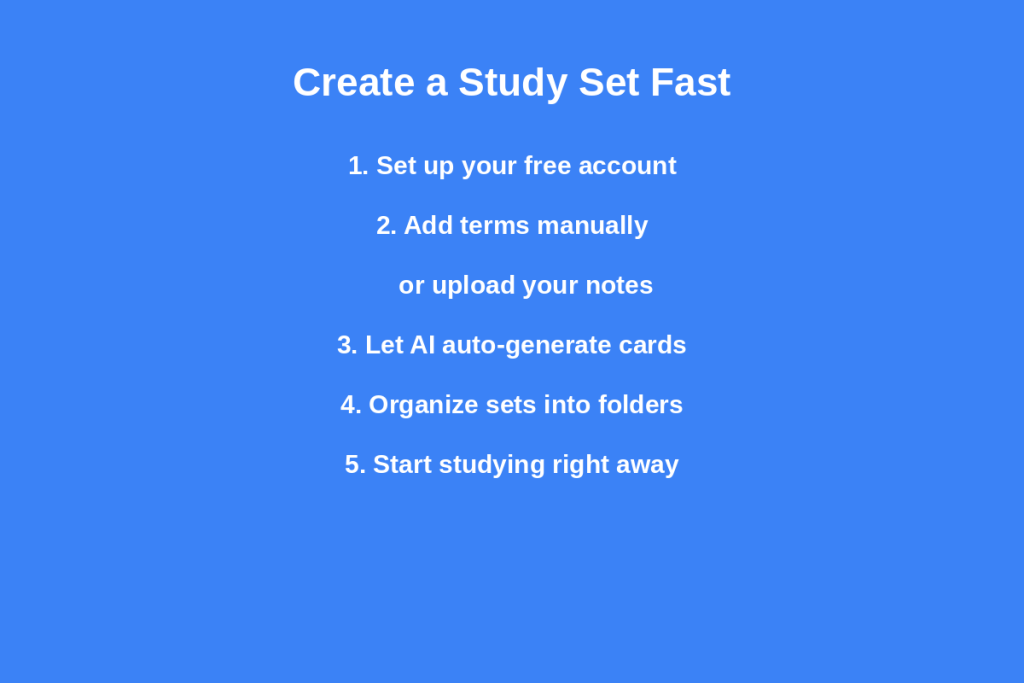
Once you understand the process, it is only a few steps to creating a study set. Here’s how to get from raw notes to a complete, study-ready set of flashcards.
Setting Up Your Account
Get a free Quizlet account with your EMAIL or a Google account. After logging in you’ll be taken to your dashboard, where you can access new study sets that you create, and those that have been shared by others.
Adding Terms and Definitions Manually
Alternatively, if you like to have control, then you can add each term and definition manually. Good for small groups/specific instances when exact wording is important, such as formulas or legal terms. Quizlet will automatically save your work as you go so you don’t lose any points.
Using AI to Auto-Generate Cards
When the number of items is large, use the AI to handle the work. Copy and paste notes, or upload a file, and Quizlet will transform your content into a set of flashcards. This is the quickest way by far particularly when working with lengthy lecture notes or chapters in the text book.
Organizing Sets into Folders or Classes
If you have several study sets, create folders or classes to keep them easily accessible. Sets can be grouped by unit or chapter, and can be sorted by subject or exam date. When exam season is in full swing, time is saved through good organization.
Tips to Speed Up Flashcard Creation
If you use multiple study sets each week, there are a few habits that will significantly reduce how long the setup takes.
Using Quizlet’s Magic Notes Feature
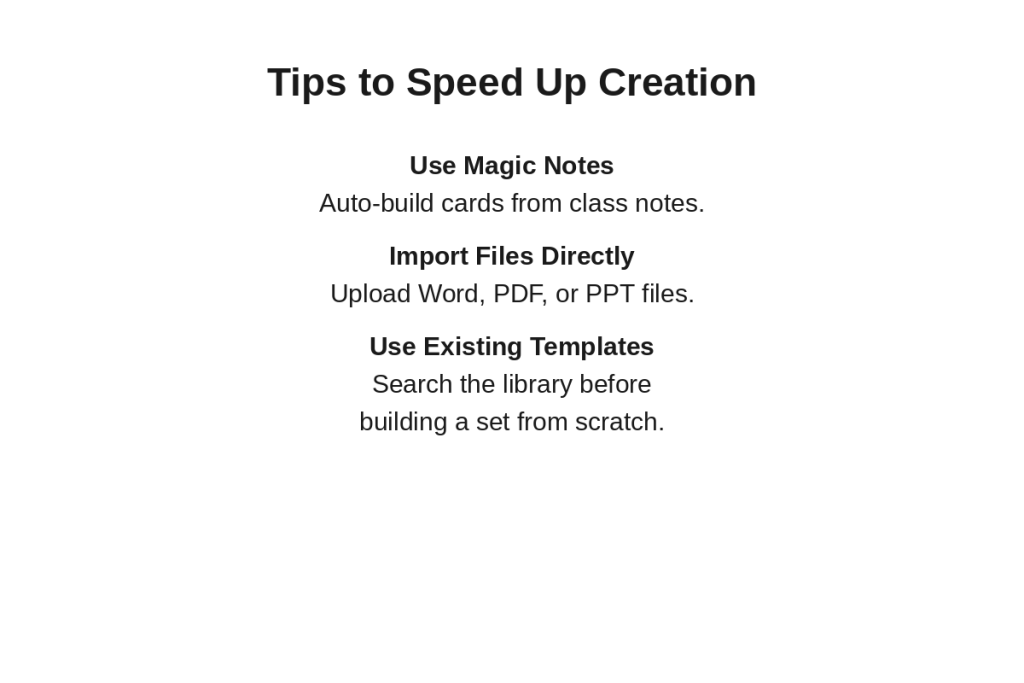
Uploaded class notes can be converted to flashcards, practice tests, and outlines of study in a few seconds, thanks to Magic Notes. You can have the AI summarize the main points and then review and edit before studying rather than having to manually select what to make into a card.
Importing from Word, Excel, or PDF
Avoid re-typing existing notes in a document. You can upload your Word file, PDF or spreadsheet and Quizlet AI will extract the key terms. This is particularly good for longer slides or book summaries.
Using Templates for Common Subjects
If you are looking for a standard, widely studied subject such as Biology, History, a foreign language, or another subject, start by searching Quizlet’s library. It is likely that someone has already made a study set that is similar to what you are looking for, so don’t reinvent the wheel.
Customizing Your Flashcards
After making your cards, a bit of customization can make studying easier and more effective to navigate through.
Adding Images and Diagrams
For visual subjects, such as anatomy, geography, chemistry, etc., use images associated with the cards. You can upload images or drawings with text on Quizlet, helping visual learners to remember.
Adjusting Card Difficulty and Tags
While studying, record the cards that are hard, so they will be more likely to appear in Learn mode. Topic/Chapter based tagging also allows easy access to specific areas before a Quiz or an Exam..
Different Use Cases for Quizlet
The tool adapts well to different study goals, not just general test prep.
Language Learning
It’s easy to see why subjects such as new languages are well suited to flash cards. You can add audio pronunciation, images and example sentences, which can be used to reinforce each word, and then use spaced repetition to create long term memory.
Exam Prep (SAT, Nursing, Bar Exam, and More)
Often, in high-stakes tests, it is necessary to remember large amounts of material. A variety of nursing, bar exam, and standardized test preparation sets are already available on Quizlet, and you can create your own based on study guides and practice questions.
Classroom Teaching
Teachers can upload notes/slides to easily create flashcard sets for an entire class. They can be shared with students directly or converted to a practice test or used as a review activity prior to a quiz.
Common Mistakes to Avoid When Making Flashcards
It’s common for someone to put too much text on one card. No card can be more than one sentence in length. Another is not reading the card and only accepting the information that comes from the AI – this can sometimes lead to confusion or missing context. Never study from auto-generated sets without skimming first through them.
The other error is the lack of organization. If there are no folders and no clear understanding of how things are named, then study sets accumulate and prove difficult to find later and particularly when it comes to exams time when you need to quickly find the relevant study set.
The study of a brand new set just before a test is likewise a typical error. Flashcards are best used in a spaced review over time, not just the night before. This is because the process of building up your set pretty much from the get-go gives much greater retention than one big push at the last minute.
Free vs Plus Plan Comparison
The free level of Quizlet is pretty comprehensive in its basic features: you can make study sets, generate flashcards with AI, and study using Learn and Match modes. As a Plus member, you’ll gain access to additional benefits, including better AI features like study guides and practice tests, ad-free studying, offline access, and homework support.
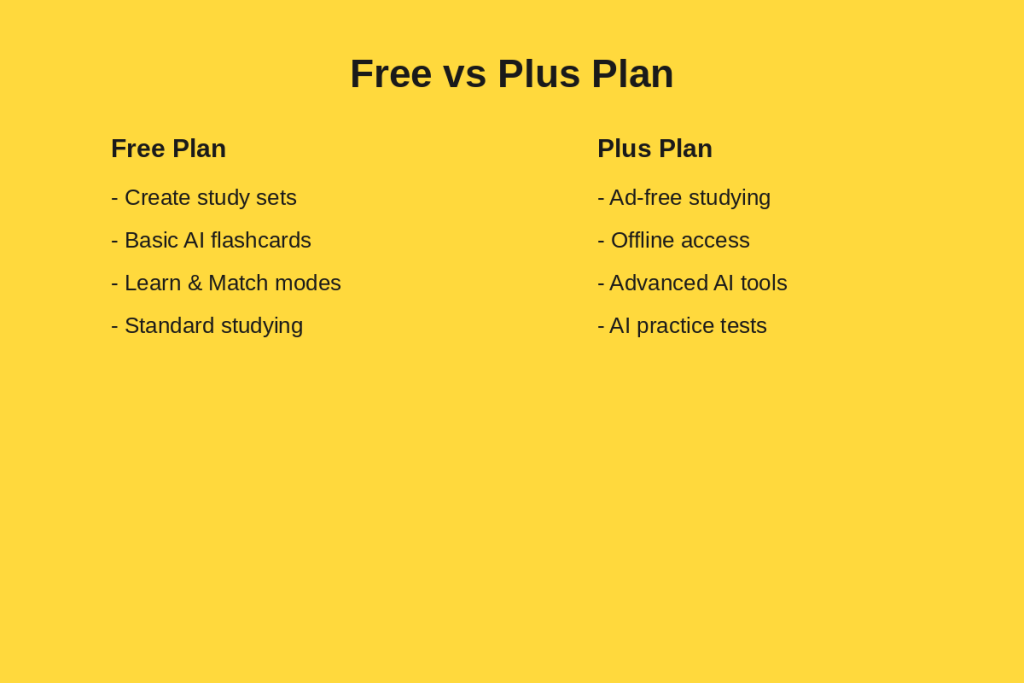
If you’re studying sporadically, it’s often sufficient to use the free version. With Quizlet use on a daily basis or a need to get more assistance from the AI for exam preparation, Quizlet Plus can save time throughout a semester.
Building a Study Routine around Your Flashcards
Making a stellar study set is just half the battle! The most value is in the regularity with which you actually go over it. Spaced repetition is better done with short and frequent sessions (10-15 minutes) than with a single long session in one sitting; spaced repetition is based on re-encountering information over small timeframes, not over a whole block.
Change modes in studying throughout the week rather than always using one. First use Learn mode to get the first exposure and then use Match, or Gravity mode to do a quick review at a low level of difficulty, then use Test mode nearer to your test date to simulate test conditions. This variety will provide a variation in the sessions, and challenge you to recall it in a variety of ways.
It also aids to study with a study group if available. When you go over the same set with classmates, everyone is going over the same correct set, and it’s easier to see where you have gaps in your own set by comparing notes with your classmates.
Conclusion
The Quizlet flashcards maker eliminates the time-consuming aspect of studying by enabling you to create a full study set in minutes, rather than hours. You can make them yourself or have the AI write them from your notes, it is a flexible study tool that can be used for languages, exams, and classrooms. If you are organized, have a few study tips, and choose the right method of study, you can transform any stack of notes into a successful study tool in no time. Set a small number of objectives and then tweak them as you go, and you will find studying increasingly un-taxing and more effective over time..
FAQs
Is it free to use?
Yes. The core flashcard maker, including basic AI generation, is free. Quizlet Plus adds extra features like ad-free studying and advanced AI tools.
Can I import flashcards from another platform?
You can import your own notes, PDFs, and documents directly, and many existing Quizlet sets can be copied and adjusted to fit your needs.
Does Quizlet’s AI flashcard maker support images?
Yes. You can add images to individual flashcards, which is especially helpful for visual subjects like biology or geography.
How many flashcards can I add to one study set?
There is no strict limit for most users, so you can build sets as large as your subject requires, though smaller, focused sets are usually easier to study.
Can I share my flashcard sets with others?
Yes. You can share sets with classmates or students using a link, and teachers can assign sets directly to a class.