Introduction
AI chatbots were once confined to the past — in the literal sense of the word. They were only able to predict according to the information with which they were programmed, that is, no news, no current prices, and no live scores. That’s changed. Now, ChatGPT web search allows the AI to conduct real-time web searches and provide you with accurate, up-to-date answers along with links to the source of the information. This capability can transform ChatGPT into a more than just a chatbot, acting like a smart research assistant when you’re looking for information, checking the weather, or comparing products. This article explains what it is, how it works and how to use it effectively.
Table of Contents
What Is ChatGPT Web Search?
The ChatGPT web search feature enables ChatGPT to access the latest information from the web, beyond what was included in its training data. It can answer questions related to news, events, real-time prices and more, which is constantly changing.
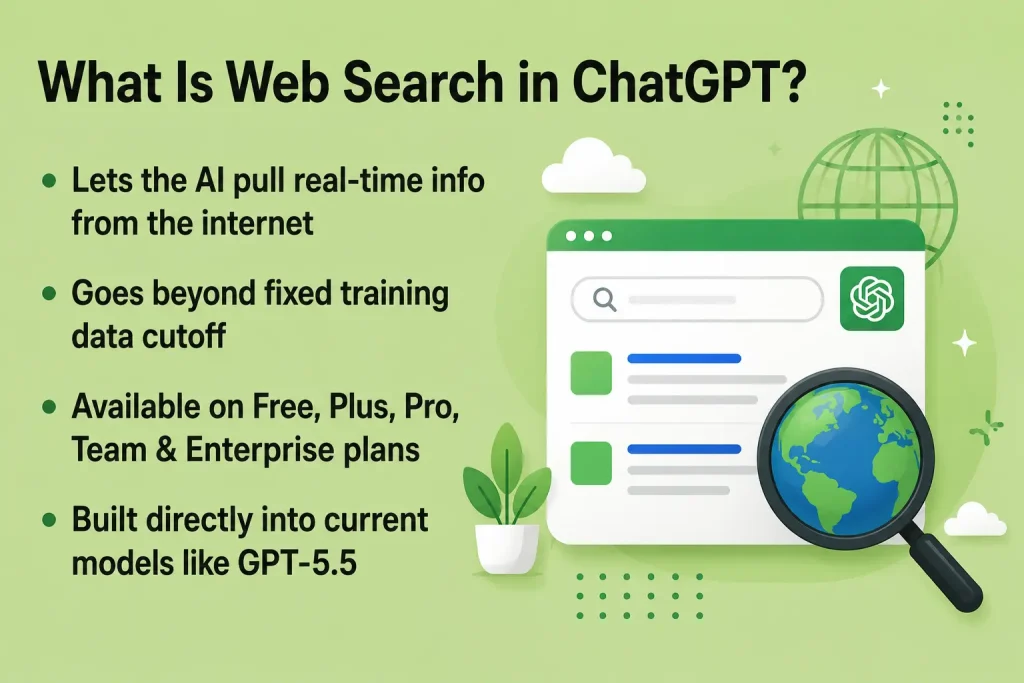
This feature bridges the gap between the earlier versions of ChatGPT, which had a set “knowledge cutoff”. You receive fresh and updated answers, not old. It also displays clickable source links, allowing you to check the information on your own.
Which ChatGPT Plans Include It?
Web search is included with all plans, Free, Plus, Pro, Team, Business and Enterprise. Since the initial rollout, OpenAI has been incrementally expanding the access for OpenAI users, and it’s no longer an add-on, but has become a regular part of the ChatGPT experience.
The models running ChatGPT – including the new GPT-5.5 – include web search as a built-in part of the reasoning system – no separate app or plugin required to use it.
How Does ChatGPT Web Search Work?
The concept is very simple, with three basic steps. First, ChatGPT reads your question and determines if it requires more up-to-date information to answer your question adequately. Second, if it does, it conducts a search of the web based on trusted data sources. Third, it reads the result and summarizes what’s relevant, then writes a clear answer with links attached.
This is not the same as simply putting a question into Google. Rather than providing you with 10 links to sift through, ChatGPT reads them for you and delivers a response in a conversational style.
Real-Time Data vs. Training Data
ChatGPT’s training data is updated periodically, so it may not be aware of recent events or news following the last update. Web search is the solution to this issue, since it retrieves up-to-date information whenever it is required. It’s possible the core model was trained some months back and can still tell you what you saw happen this morning.
How to Enable and Use ChatGPT Web Search
Getting started is simple, and in most cases, you don’t need to do anything manual at all.
Web and Desktop App
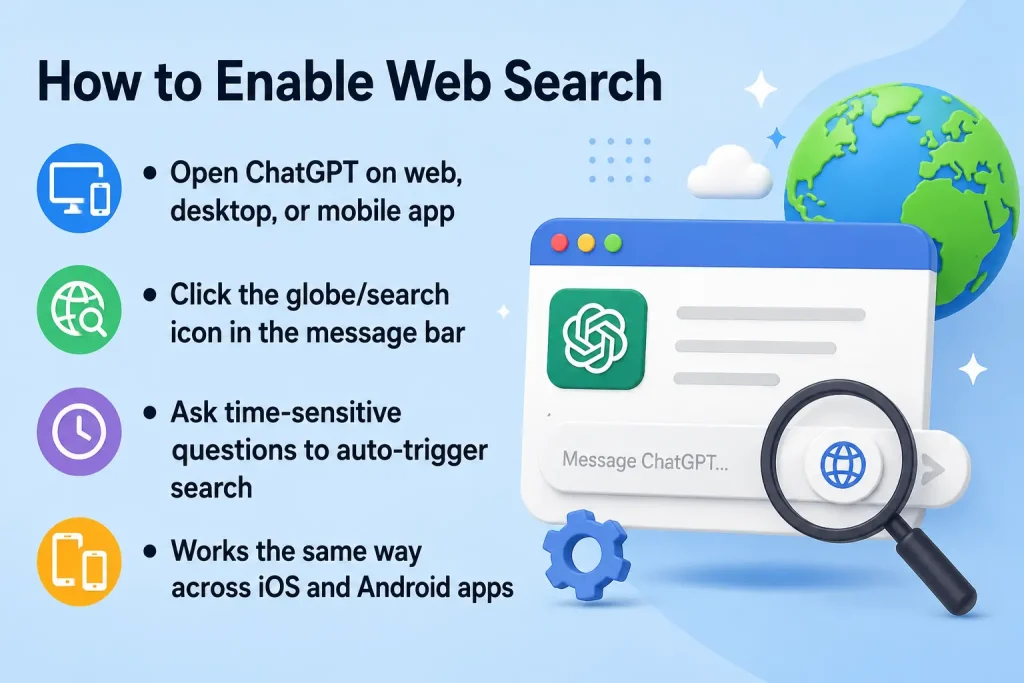
- Open ChatGPT on your browser or desktop app.
- Type your question as you normally would.
- If your question needs current information, ChatGPT will automatically search the web.
- You’ll see a small note or icon indicating a search happened, along with source links in the response.
You can also manually trigger a search by clicking the web search icon (usually a globe or magnifying glass) in the message bar before typing your question.
Mobile App
On iOS and Android, the process is nearly identical. Open the app, tap the “+” or tools icon near the message box, and select the web search option if it’s not already active. Then simply ask your question like normal.
Prompts that Trigger Web Search Automatically
Some questions are almost universal search bait, regardless of whether you ask them in a search query. Examples include:
“Today’s weather in Lahore is what?”
What are the newest tools that have been launched this year by AI?
For instance, the question “What’s the current price of Bitcoin?”
Who won last night’s game?
In case of anything time-bound, ChatGPT will typically do a search on its own.
Key Features of ChatGPT Web Search
This is not only about accessing information – it’s an extra feature that has some very useful extras for the real world.
Source Citations and Links
Each answer from a web search is accompanied by links to the original source(s). This allows one to verify facts, read the full article, or to research a topic more deeply than one can just read the summary and accept it as correct.
Real-Time News, Prices, and Scores
Ask questions about stocks, sports, weather, or the latest news, and receive an up-to-the-minute response. This is particularly useful for anything that’s changing on an hourly basis.
Follow-Up Question Support
ChatGPT will keep track of the context of the conversation, meaning that you can ask questions that extend upon what you have said. For instance, if you ask about a news report, you can ask “What happened before this?” and it will know exactly what you’re asking.
ChatGPT Web Search vs. Google Search
Both tools help you find information, but they work quite differently.
Strengths of ChatGPT Web Search
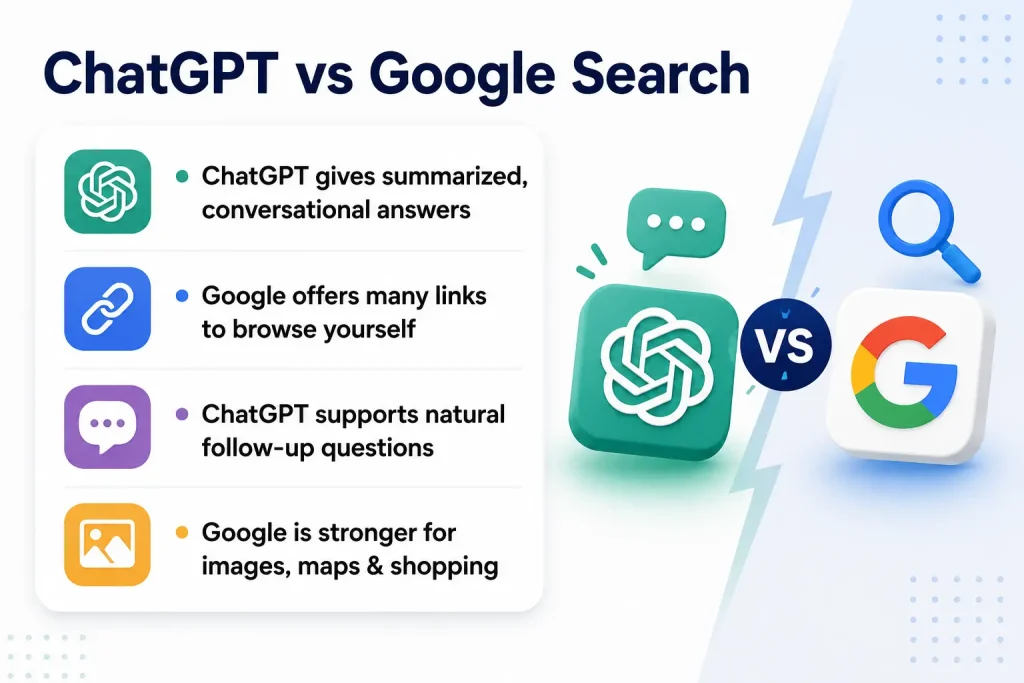
ChatGPT provides you a condensed answer without a list of links. It’s conversationally written, so you can ask follow-up questions naturally. It’s also excellent for research and writing, brainstorming, or analysis all within one conversation.
Strengths of Google Search
Google remains the better choice for quickly accessing a plethora of sources, comparing prices at several retailers or looking at a topic from a visual perspective in images and videos. It’s also quicker to search for very simple terms that are just one word.
When to Use Which
Use ChatGPT web search when seeking a summarized, conversational response or to research and complete a task. When you want to explore a lot of options, or you need visual information, such as maps and pictures, use Google.
Benefits of Using ChatGPT Web Search
There are a few clear reasons this feature has become so popular among everyday users and professionals alike.
Saves Time
You don’t need to open several tabs to read articles, you will have an answer summarized in seconds. This is particularly useful when you don’t have a lot of time or want to double-check a fact.
Builds Credibility through Sources
Answers are accompanied with linked sources, so it’s not just what the AI says. It’s important to corroborate claims for research or schoolwork or writing professionally.
Useful for Many Everyday Tasks
Whether it’s comparing the prices of products, following the news or finding out more about a school project – this feature is useful for almost everything in everyday life without the need to switch applications.
Limitations and Things to Watch Out For
No tool is perfect, and it’s worth knowing where ChatGPT web search can fall short.
Occasional Inaccuracies
Despite the presence of live data; ChatGPT can occasionally provide inaccurate summaries or fail to pick up on the nuances of the information. When there’s anything important to be looked at, it’s always best to go through the sources it’s connected to, particularly in medical, legal, or financial matters.
Not a Full Research Replacement
If you need more in-depth, academic-level research, you should consider using ChatGPT’s Deep Research feature (available separately as a more advanced model), which can search multiple sources and provide more thorough, citation-based reports, than the standard web search.
Regional or Plan-Based Restrictions
Advanced search options are sometimes available, but may differ from country to country or by subscription.
Tips for Getting the Best Results
A few small habits can make a big difference in the quality of answers you get.
Be Clear and Specific
Avoid asking confusing questions. Rather than the question “what’s new in AI,” ask “what are the best AI tool releases this month,” to get a more pointed and effective answer.
Ask for Sources Directly
For any information that needs to be verified, just request ChatGPT to “include sources” or “show where this information came from”. This helps in fact-checking a lot.
Combine It with Other Tools
For more in-depth projects, use ChatGPT web search to find facts and then move to Deep Research or your own reading for more detailed information to be investigated.
Conclusion
The ChatGPT web search feature has revolutionized the way people get quick and accurate answers on the web. You don’t need to scour the web for summarized and cited information, it comes to you in seconds, whether it be news, prices, or research. Its role is not to replace traditional search engines or deep research tools, but when you’re answering typical questions, it is quick, reliable, and really helpful. With the continuous advancements in AI models, this type of real-time search is likely to grow further in significance for how we search things out. It is good to experiment if it’s not done yet for your next quick question.
FAQs
1. Is ChatGPT web search free to use?
Yes, web search is available to Free users as well as Plus, Pro, Team, Business, and Enterprise plans.
2. Does ChatGPT web search always show sources?
Yes, when it pulls information from the web, it typically includes clickable links to the original sources.
3. Can I turn off ChatGPT web search?
Yes, you can manually toggle it on or off using the web search icon in the message bar before asking your question.
4. Is ChatGPT web search the same as Deep Research?
No, Deep Research is a more advanced feature that digs through multiple sources for detailed, cited reports, while web search gives quicker, everyday answers.
5. Does ChatGPT web search work on mobile?
Yes, it’s available on both iOS and Android apps, accessible through the tools menu near the message box.