Introduction
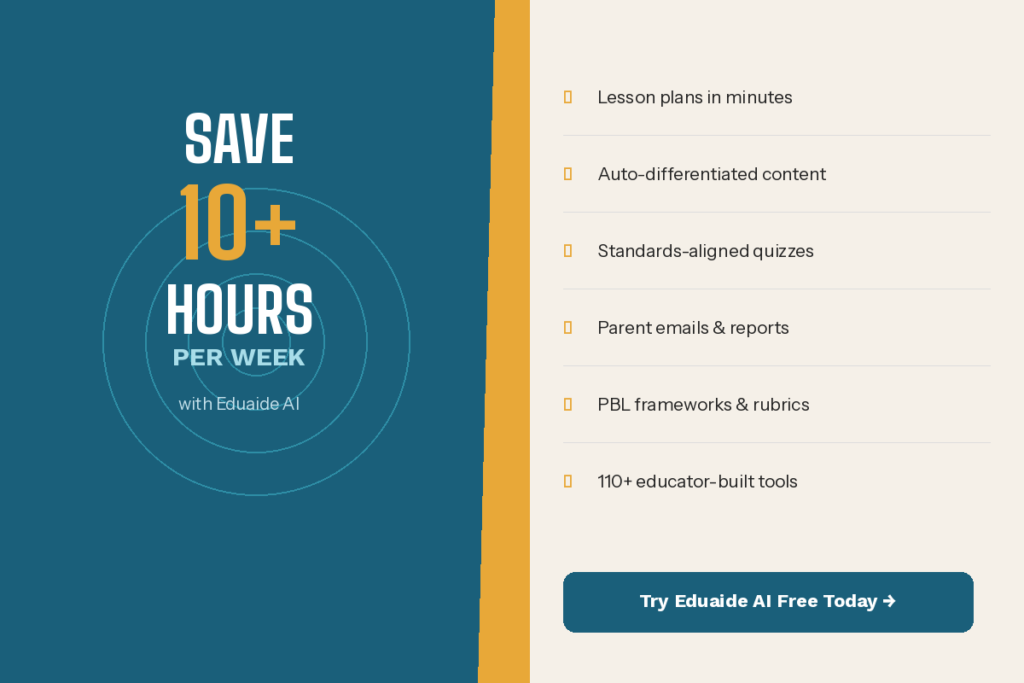
Being a teacher is among the most fulfilling occupations in the planet – it is also one of the most demanding. Parent emails, planning, grading, and differentiation do not allow much time to breathe. That’s exactly why Eduaide AI for Teachers is changing the game. Developed by educators, Eduaide AI is an educator-specific product, which saves teachers hours per week by automating the functions that consume their planning time so that they can spend time on what is truly important to them their students.
Table of Contents
What Is Eduaide AI?
Eduaide AI is an educator-specific AI workspace. Eduaide, unlike such general tools as ChatGPT, is designed to fit the actual workflow of K-12 teachers. It provides access to more than 110 AI-powered tools that are arranged into three useful sections Generator, Organizers, and Games.
The system was started by two public school teachers and they knew the pressure it takes to plan and do paperwork. It relies on an inbuilt Knowledge Graph which links all the tools to effective, research-supported instructional tricks – therefore, you do not just read something. It’s actual pedagogy.
It has a free plan which includes 20 generation per month. Pro plan is for $5.99/month and $49.99/year it is unlimited access to all tools, Erasmus AI Assistant, and one-click differentiation prompts.
Top 10 Ways Teachers Can Use Eduaide AI
1. Generate Lesson Plans in Minutes
Preparation of lesson plans is one of the greatest time wastages among teachers. That is entirely different with Eduaide.
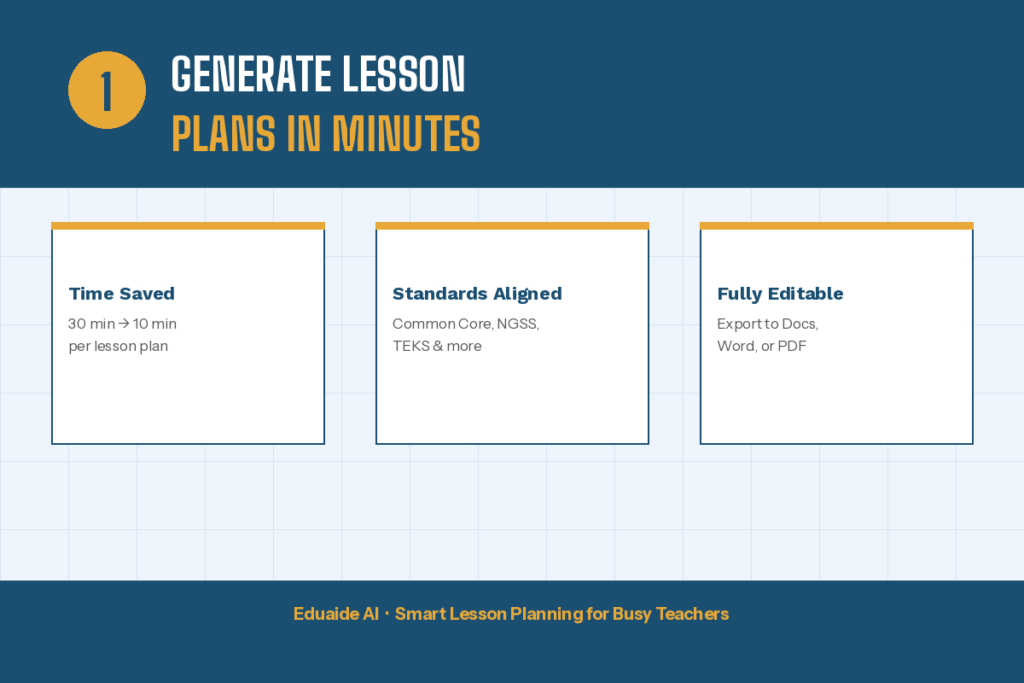
You just choose the lesson plan tool, input the grade level, subject, topic and any standards requirements you may have to meet and Eduaide will have you a complete and classroom ready draft in seconds. Those teachers who went through the tool during Teach For America reported that planning time has reduced to 10-15 minutes instead of 30 or more minutes per lesson.
You are able to add documents, paste in URLs of websites, or make them correspond to national standards as a context. The result is a plan, which can be formatted, edited and refined right in the platform – or can be exported to Google Docs, Word or PDF.
2. Differentiation Instruction in all learners
In all classrooms, there are learners of various levels. Production of three copies of the same content took hours. In the case of Eduaide, it can be done in seconds.
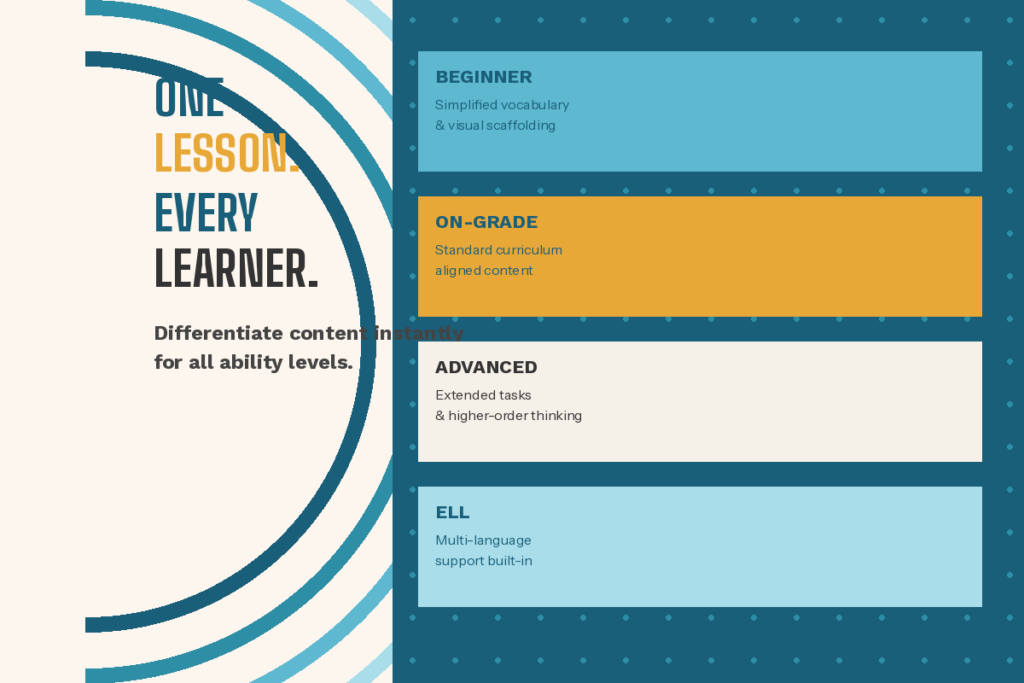
The differentiation options of the platform enable teachers to adapt content to struggling readers, advanced learners, ELL students, and students with IEP instantly with a single click. It modifies the reading levels, provides scaffolding, simplifies vocabulary or gets more complex – according to the needs of each learner.
The Erasmus AI Assistant (included in the Pro plan) does the complex prompting work behind the scenes, meaning that you do not have to know how to use AI to achieve great, differentiated results.
3. Build Assessments and Quizzes Quickly
The process of developing good assessments is time-consuming, particularly when you have to match it to particular standards. The heavy lifting is done by Eduaide.
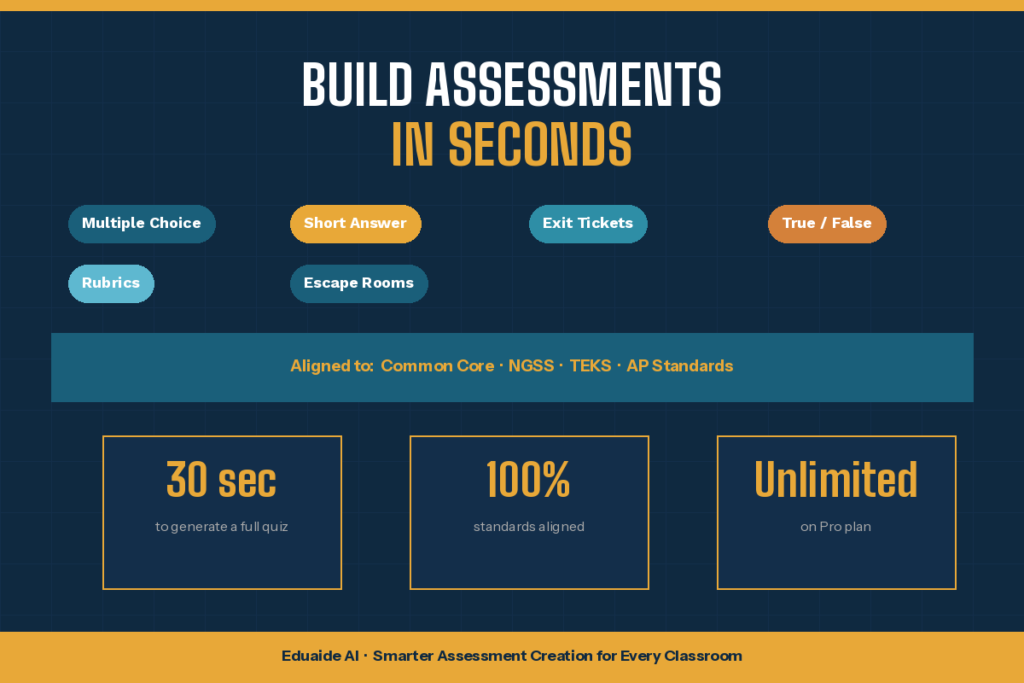
The teachers will be able to create multiple-choice questions, short-answer prompts, true/false questions, exit tickets, and even escape room-based review activities. It takes only a couple of clicks to match everything to Common Core, NGSS, TEKS, or any other standards.
Rubrics can also be created using the platform. You might only want an easy grading checklist or you might want a more detailed analysis rubric, Eduaide can create any type of assessment checklist or rubric within a few minutes and then you can customize it to meet your specific requirements.
4. Create Writing Prompts and Rubrics
The task to create new interesting writing prompts can be tedious. Eduaide simplifies the process of generating curriculum-specific prompts that are creative at any grade level or subject.
Write a persuasive essay on social studies in 6th grade? A reading prompt, 3rd graders? An annotative analysis assignment on AP English? Eduaide handles all of it. The prompt and a corresponding rubric can be created simultaneously, so that your evaluation is impartial and unbiased.
This is particularly useful in cases of the teachers who are handling big classes and where the maintenance of feedback well organized and with an agreement to definite criteria saves colossal amounts of time.
5. Design Engaging Classroom Games and Activities
Dry worksheets do not capture the attention of the students. Games and inter-activities do – and Eduaide assists you in constructing them quickly.
The Games section of the platform allows teachers to make review games, role-playing activities, bell ringers, and group activities that are directly connected to their lesson material. The students in a real comparison study ranked much higher in the daily learning checks in utilizing Eduaide-generated review games compared to the routine Blooket activities.
You can tailor these by subject matter, grade level, and learning goal so that all activities will actually be relevant to what students are learning that week – a filler game rather than a generic filler game.
6. Produce Student Handouts and Graphic Organizers
Classroom tools include graphic organizers, vocabulary lists, study guide and scaffolded reading materials. It is time consuming to make them manually which most teachers do not have.
The Organizers page of Eduaide has customizable graphic organizers, note takers, concept maps etc. A jigsaw exercise, a KWL chart, a timeline or a text annotation guide can be created in seconds.
Every product can be exported and printed or distributed electronically. This has been particularly useful to teachers in multilingual classes because Eduaide can generate content in more than 15 languages.
7. Write Administrative Content Faster
Educators do not teach at all, they write. A lot there are emails by parents, comments on report cards, IEP progress notes, newsletters by the classes, syllabi, all accumulating.
These administrative writing tasks have been dedicated tools at Eduaide. In several minutes, you can create a class notice, compose a professional parent e-mail or acquire organized language to a report card comment. These outlines are not flawless masterpieces, but they provide you with a great base to work on, which can be customized in a very short amount of time.
This is the only way of recovering hours every week that would have gone away in writing and rewriting similar forms of documents.
8. Promote Project-Based Learning
Project-Based Learning (PBL) requires a lot of preliminary planning. You must have driving questions, project briefs, milestone checkpoints, rubrics, and scaffolded supports – all standards aligned.
Eduaide helps teachers to create all these components within a short time. With a single prompt, you can create a full PBL model, complete project brief to the student and teacher guide. The platform assists you to be rigorous and at the same time ensure that the project is accessible to the students of other ability levels.
This is especially effective when it comes to interdisciplinary teams where various subjects and learning goals must be interlaced to create a coherent whole.
9. Give Students Faster, More Consistent Feedback
It is time consuming to give 30 students meaningful written feedback. The feedback tools of Eduaide enable teachers to create clear, constructive, and individually tailored feedback drafts – quickly.
You are able to enter student work or write about the assignment and Eduaide will provide a feedback language that you can preview, edit and modify before delivery. The platform has in-built rubric options, but has options of importing your own rubric criteria.
This does not substitute your judgment as a teacher, it provides you with a jump-start; you do not have to write the same kind of comments each time. Instructors are able to impart their personal tone and touch to an excellent draft.
10. Support Professional Development and Reflection
Eduaide is not only applicable in classroom materials, but it can also be applied in career development. It can be utilized by teachers to develop PD workshop agendas, come up with reflection prompts to be used during instructional coaching sessions, or to create systematic team collaboration structures.
Eduaide has been of use to instructional coaches to create templates of observation feedbacks and curriculum review procedures. It also allows novice teachers to create lesson plans using effective teaching frameworks that enable them to acquire good pedagogy and save time.
Eduaide basically provides all teachers with the type of instructional format assistance that once needed a curriculum specialist.
Tips for Getting the Best Results from Eduaide AI
The quality of the output of any AI tool is determined by the inputs. The following are some of the things that really matter:
Be specific: The better the output you provide the more context you provide; grade level, subject, specific standard, learning objective. General prompts result in generalized outcomes.
Use it as a first draft: Never make use of anything Eduaide generates without reading it through. Test the appropriateness, relevance and suitability to the actual needs of your students. AI is a point of beginning, not an endpoint.
Explore the full library: The common mistake of many teachers is to use Eduaide as lesson plans but to overlook such features as SEL activity builders, leveled reading adjusters, and vocabulary generators. Do some browsing of the entire toolkit.
Export and refine: The onsite editor is simple yet rudimentary. To do final formatting and make more in-depth changes, export to Google Docs or Word where you can have more control over it.
A Few Things to Keep in Mind
Eduaide is an effective tool though it works well where teachers remain in the driver seat.
The product lacks elements that face students, and thus will not substitute your LMS or classroom management tools. It is pure planning and preparation room. In addition AI-generated content must be regularly checked against factuality, particularly in such contentious developments as science or history where a fact and date count.
On privacy: do not always key in personally identifiable student details into any AI tool and Eduaide is no exception. Make your prompts topic specific, grade specific and objective specific, but not student specific.
Conclusion
Teaching is a challenging task, and an AI tool will not change that however, the preparation part of teaching can be simplified and much quicker through Eduaide AI. Incorporating over 110 tools that are designed with the real classroom requirements in mind, it enables teachers to plan the lesson better, assist each learner, and save back some hours that traditionally go down the drain in a mound of paperwork and similar activities. Novice teachers that are still trying to find their feet or old hands that are interested in a smarter workflow should consider Eduaide AI and start with the free plan and find out by the end of a week how much time it can save you.
FAQs
There are 5 FAQs about Eduaide AI for Teachers.
Is Eduaide AI free among teachers?
Yes. Eduaide has a free plan, which covers 20 generations monthly, uploading of documents, and access to the National Standards Database. The Pro plan costs 5.99/month or 49.99/year which is all-unlimited access to all the tools.
What is the difference between Eduaide AI and ChatGPT?
ChatGPT is a general-purpose AI that can be useful with close prompting to elicit useful teaching material. Eduaide is designed to support educators, including ready-to-use templates, grade level filters, standards alignment and inherent pedagogy – engineers do not need to be prompted.
What are Eduaide supported grade and subject levels?
Eduaide assists K-12 teachers in all the core subjects such as math, science, ELA, social studies and so on. It will also provide Special Education teachers with IEP goal writing, accommodations, and differentiated material tools.
Is it possible to use Eduaide AI with homeschooling?
Yes. The list of the main groups of users on the platform includes homeschool parents. The tools are good in development of structured lesson plans, activity sets and assessment of individual learners on any level.
Does Eduaide AI keep student data safe?
Eduaide lacks features of student-facing and thus, students do not communicate with the platform itself. Nonetheless, as with any AI platform, teachers must not put in any personally identifiable student data in the tool. Ensure that you visit the latest privacy policy on the platform at eduaide.ai to monitor the latest information.