Introduction
After spending hours to search the results, articles and reports and just answer one question, the work becomes tiresome. That’s exactly what ChatGPT Deep Research is designed to do. It doesn’t give you a fast answer; rather, it’s like a research assistant who reads dozens of sources, checks them for accuracy, and presents you with a report that you can read and use. No matter whether you’re a student composing a thesis or a professional finalizing a market analysis, this article will explain exactly how it works, how to operate it step by step, and how to obtain the most exact outcomes from it in 2026.
Table of Contents
What Is Deep Research in ChatGPT?
Deep Research is a sophisticated feature of ChatGPT that conducts complex research for you. It doesn’t just answer from memory, or make just one web search, it will plan a research strategy, visit multiple sources, read whole articles, PDFs and bring it all together in one organized report. It was created to perform a task that would take a person several hours of manual searching time, in just minutes.
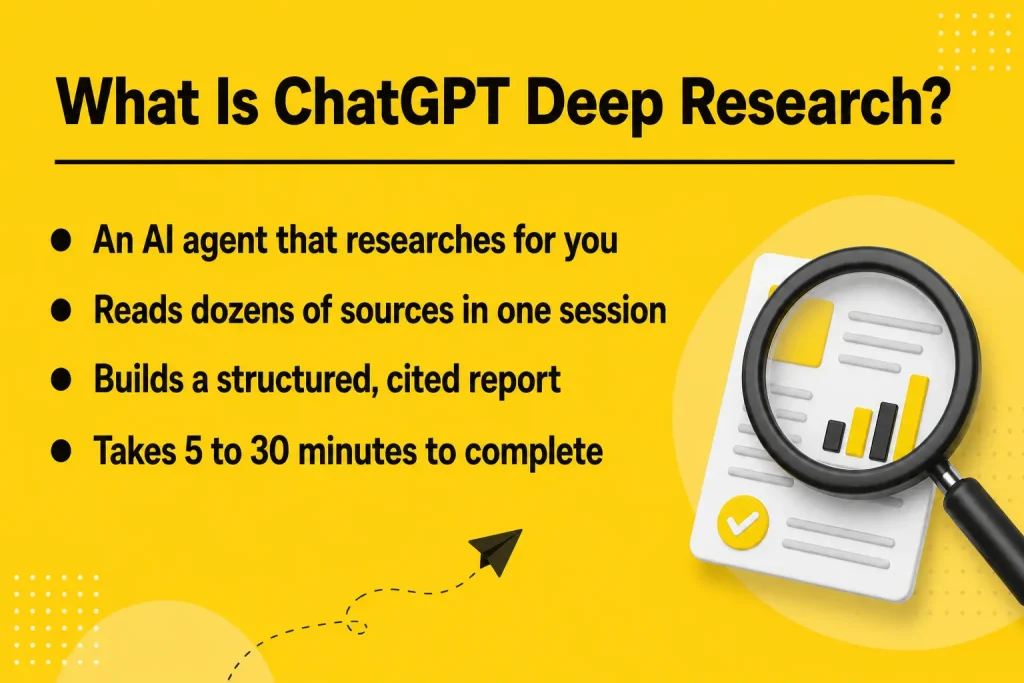
Imagine less of a chat bot and more of a junior research analyst. It follows your instructions, collects information, cross-references it to several sources, and returns with a written summary of your topic or question, and citations for which you can verify.
The reason why is that there’s so much misinformation floating around out there and a lot of statistics are outdated and a lot of articles are basically a regurgitation of other articles. That’s what Deep Research is meant for. Rather than depending upon one source, it reads across many, and identifies when sources disagree, notifying you in the final report where the uncertainty exists.
How It Differs from Regular ChatGPT Chats
The typical interaction with ChatGPT involves making one or few queries, and it generates responses based on patterns it recognizes. What Deep Research does is to run a loop: it makes a search, reads, it decides what’s missing, it searches, it reads, it decides what’s missing… and then several minutes later, it writes something. This is why there is a huge difference between a regular reply, which can be a few seconds, and a Deep Research session, which can be five, ten, fifteen, thirty minutes or even more.
Key Capabilities and Use Cases
Deep Research can combine hundreds of web pages, PDFs and even images into a single structured report. It’s very helpful when analyzing the competition, when conducting a literature search, before making a business decision or when you need to grasp a complex topic in a short amount of time. It can also interface with trusted applications and files such as SharePoint, OneDrive, Dropbox and Google Drive, allowing it to research with your own data as well as public data, as of 2026.
How Does Deep Research Work?
The Research Process behind the Scenes
The model creates a plan for what it should learn when you give it a research prompt. This plan can be examined and modified before it begins to function and can be useful in directing the research in the right direction. Once approved, it starts to search, read and reason through the material, changing the next steps as it encounters information throughout the process.
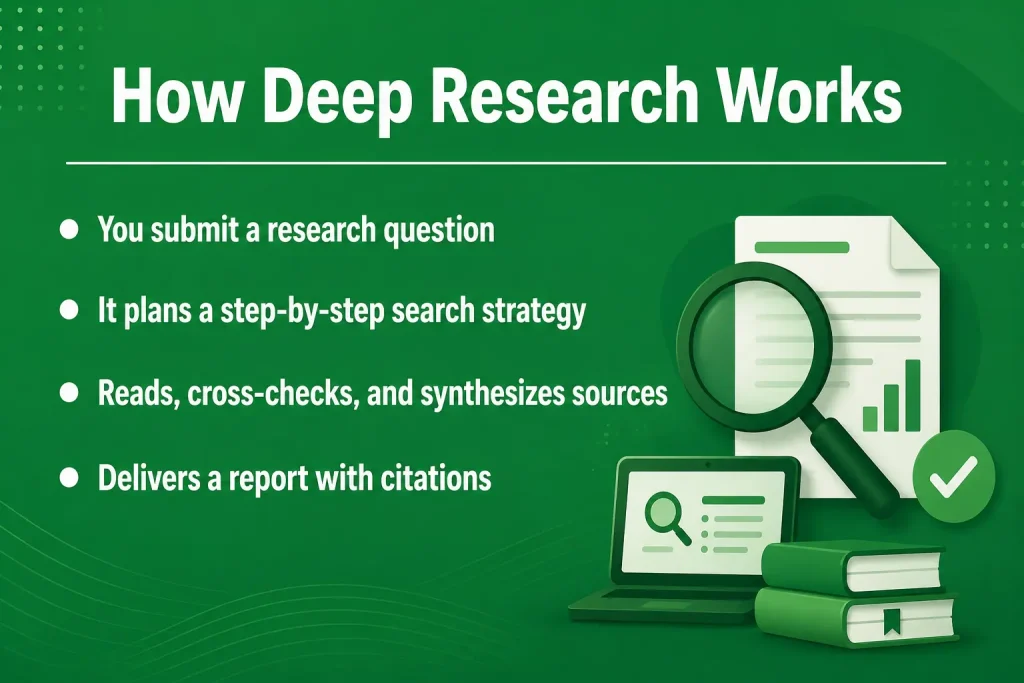
If you don’t have to wait in a blind wait mode either. The updated version allows you to monitor its ongoing processing in real-time and pause it in the middle to enter a new source or enhance your question, and it seems like a more collaborative process than usual AI queries.
This real-time visibility is achieved on the back end through an updated interface, which updates how research progress is displayed from initial conception through completion, in early 2026. Instead of sitting in front of a blank screen as it generates the report, you can watch the source it is reading, and see how it is changing the report’s plan, making for a more trusted report than a black-box process would be.
Sources It Pulls From
Deep Research automatically fetches data from public websites, news articles, and documents from the web. Since February 2026, you can also limit its access to certain trusted websites, a feature that is particularly helpful when you just want information from authenticated or industry standard websites. It can also link to MCP servers and, beginning March 2026, your own cloud storage accounts, allowing you to combine what’s private with what’s public in one report.
Step-by-Step Guide: Using ChatGPT Deep Research
Step 1 – Accessing the Feature
Click the Open ChatGPT icon, and search for “deep research” in the tools menu in the message box. For the more in-depth version, use a visual browser, go to composer dropdown and choose “agent mode”. These options are available concurrent with each other, so you can choose the one that is suitable for your work.
Step 2 – Writing an Effective Research Prompt
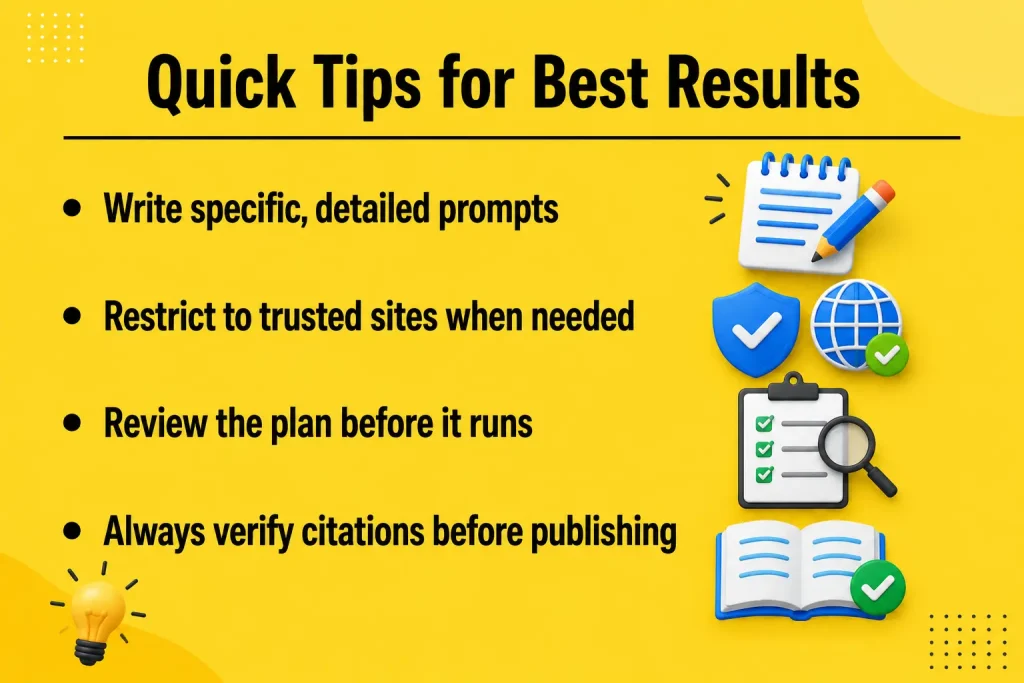
Be particular about your desires. Avoid asking “tell me about electric cars” and instead consider asking “what are the top 5 electric car brands in the US and how will they compare in 2026 in terms of market share, price, and battery range. The clearer the prompt, the clearer the final report will be.
It’s also a good idea to state your report’s intended recipients and purpose. You will get different results if you tell the tool that the output is for a college assignment, an internal business memo, or a presentation to client. Different results will be achieved if you tell the tool that the output is for a college assignment, an internal business memo, or a presentation to client, because the tool structures the final report differently based on the output’s purpose.
Step 3 – Reviewing and Refining Results
When the plan becomes visible, review the plan prior to running the research. If something is not right or is incomplete, edit that immediately. You may also pause the research at any time and include a follow-up prompt, if you wish to introduce another dimension or source.
Step 4 – Exporting or Saving Your Report
The final report contains the in-line citations and the interface now allows embedded images and data-visualizations for easier reading. The report can be copied to a document, saved to chat for future reference, or follow up on it using the same conversation.
ChatGPT Deep Research for Students
Literature Reviews and Academic Papers
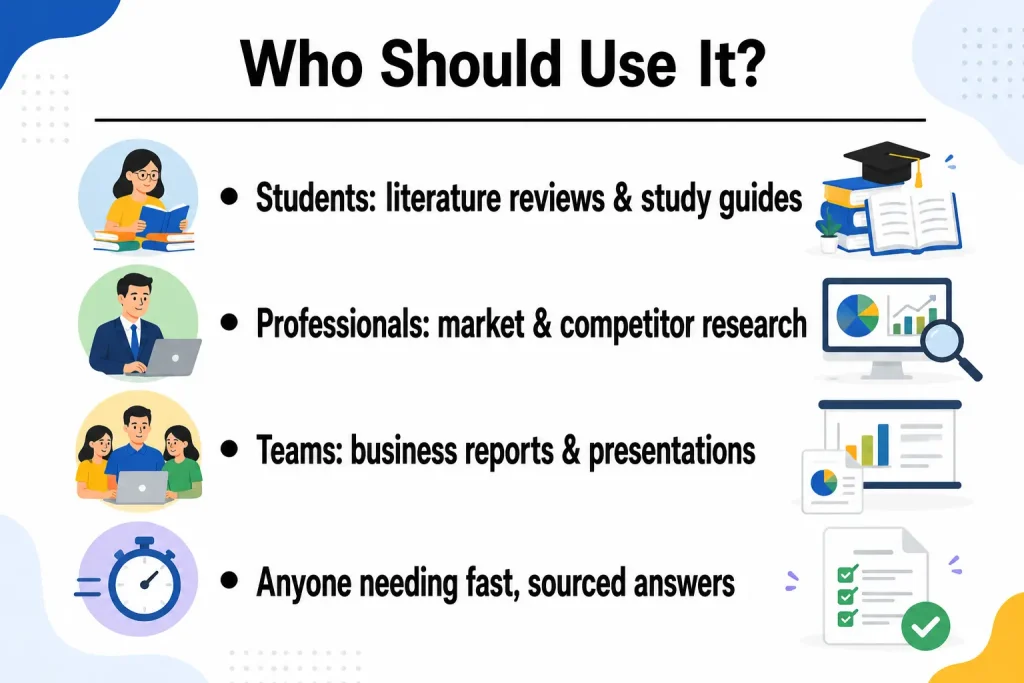
Can be used by students who are writing a thesis or research paper to obtain a quick overview of an area of research, to find out what are the most important papers and authors, to learn about current controversies in a field. This is not a substitute for reading the original papers, but it will help you get a good idea of the topic you are about to enter before you do.
Study Guides and Exam Prep
You can also have it create a study guide for a topic, compiling explanations, examples, and typical exam questions from various sources and making it structured. This is particularly useful for topics that involve multiple sub-topics, as it allows you to find the information in a single location.
When working on a group project, one student can conduct a Deep Research session and then share the report with the other group members as a starting point so that each person doesn’t repeat the background research. It also serves as a great tool for class preparation as you’ll see a wide range of information on a topic and the various viewpoints that exist on it.
ChatGPT Deep Research for Professionals
Market and Competitor Analysis
It can be used by professionals to conduct a thorough investigation before a key meeting to a company, industry, or competitor. It saves you hours of manual briefing time and brings to life a structured briefing that you can read in about 10 minutes, particularly beneficial before client calls or investment decisions.
Business Reports and Presentations
Teams can also now integrate internal reporting with data from public markets in one research session by integrating with SharePoint, OneDrive, Dropbox, and Google Drive. For instance, you might request it to look at the internal sales report for the previous quarter, conduct a market analysis, and generate suggestions based on those two.
This is especially helpful for teams lacking a research or analyst team. A small business owner, freelancer, or marketing team can obtain the type of background research that an analyst provides without the need to hire an analyst to do the work for them, creating a level playing field against larger companies with staff analysts on board.
Tips to Get the Most Accurate Results
Prompt Best Practices
Provide background information on the objective, the target audience, and the type of report you are looking for. If it is only certain types of sources that you are looking for such as government documents or peer-reviewed studies, you should indicate this from the beginning and the tool will only search for those sources using the trusted-sites feature introduced in February 2026.
Fact-Checking and Verifying Sources
Always consider the output as a starting point – not a final, citable source – even if citations are included. If you intend to publish, present or submit academically, click through to the original articles because there is risk of hallucination, although it’s reduced.
Limitations to Keep in Mind
Deep Research requires a couple minutes to complete, and isn’t suitable for questions that need instant answers. Also, the usage restriction is based on the plan—free plans have limited queries per month, paid plans have more, and when the limited query per month count is reached, later queries are automatically filtered to a lighter, faster version. Finally, note that older workflows relying on the legacy version of this tool will also need to transition to the current experience, as it was retired on March 26, 2026.
One other point to consider: The quality of the reports still relies on what they have online. Research will be thinner than expected if the topic is very new, very niche, or pay-walled. If you do so, the results of your search will be significantly more relevant to your purposes, or at least more easily found on the sites you indicate.
ChatGPT Deep Research vs Other AI Research Tools
It’s a significant upgrade to a standard AI web search function to read entire documents instead of just snippets, and to cross-check results from several sources before offering a conclusion. Other AI research tools available are similar in that they provide multiple steps in the research loop, but ChatGPT’s version is unique in its ability to access your own files and apps–not just the open web–which makes it better suited for the workplace.
However, no tool is ideal for all situations. The ChatGPT version reaches farther towards more general-purpose, open web-based and connected app research, while some of the competing research tools tend to be more narrowly academic databases, which might be more suitable for citation-heavy scholarly research. The question of whether to use them or not will typically be related to either breadth or a particular type of source.
Conclusion
One of the most useful features of ChatGPT Deep Research is its ability to digest vast amounts of information and deliver clear, concise answers to broad questions. It can be used for outlining unfamiliar topics and for creating briefings, reports and competitive research in half the traditional time. It’s not designed to give you the answers you want, and any results you get should be verified before you use it publicly, but it’s a good place to start when you’re doing serious research. If you’ve never used it before, give it a try starting with a specific, well-defined question and see how much time you can save!
FAQs
1. Is ChatGPT Deep Research free to use?
Free users get a small number of queries per month, while Plus, Team, Enterprise, and Pro plans get progressively higher monthly allowances.
2. How long does a Deep Research session take?
Most sessions take between five and thirty minutes, depending on how broad or complex the research question is.
3. Can Deep Research access my own files?
Yes, since March 2026 it can connect to SharePoint, OneDrive, Dropbox, and Google Drive to combine your documents with public research.
4. Is Deep Research the same as Agent Mode?
No, they are separate but related. Agent Mode adds a visual browser on top of Deep Research for even more thorough tasks.
5. Can I trust the information in a Deep Research report?
It’s more reliable than a standard chat answer since it cites sources, but you should still verify anything important against the original citations.